How Honen works with SAP SuccessFactors Learning
Keep SAP SuccessFactors Learning for assignments and records. Build the course in Honen, then deliver it as a live SCORM package. SAP documents SCORM 1.2 and SCORM 2004 launch methods. SAP lists the supported launch methods.
Connect Honen to SAP SuccessFactors Learning
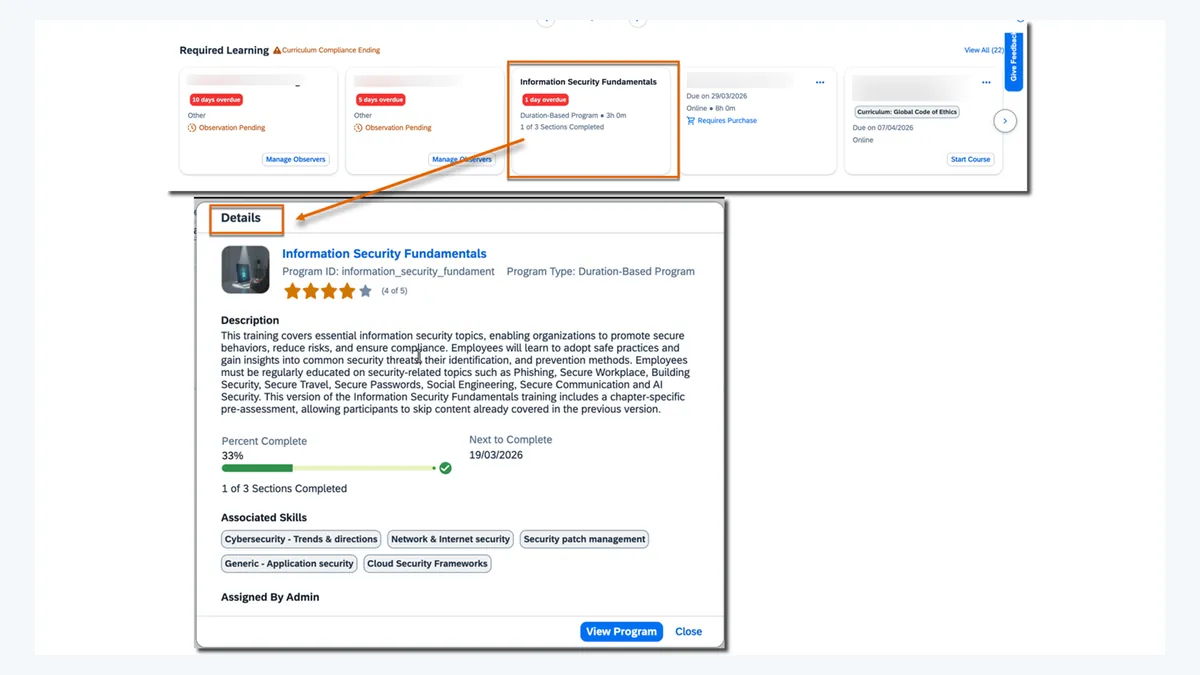
- Create and review a course in Honen.
- Export a SCORM package in the version your SAP Learning team has tested.
- Import the ZIP with SAP's content import process. Link the content package to a learning item. SAP explains the import flow and how to attach a package.
- Launch the item as a test learner. Confirm completion and score behavior before assignment.
SAP says to import a SCORM 2004 package as one ZIP. Do not extract its files. Read SAP's package guidance. SAP's cmi5 availability needs a separate tenant check; this guide does not assume it is enabled.
Build and revise courses with AI

Use approved documents, slides, or video as source material. Ask Honen to draft lessons, checks, and an AI tutor experience. Review facts, policy language, examples, and assessment answers before you assign the course. Honen can help you draft short, direct sentences with one instruction per step and consistent terms. A qualified editor must check the approved dictionary, ASD-STE100 rules, and domain terms. No tool can certify the draft by itself.
Honen's thin SCORM package loads the current course when a learner opens it. Edit the course in Honen to update future launches without uploading a new ZIP. Re-test a material change before rollout. Learners who are already in an open session can see different content until they relaunch.
Tutor, reporting, and review
The Honen tutor runs with the launched course. Test sign-in and launch behavior with a learner account in your SAP tenant. While the course is open, the SCORM connection can report completion, pass or fail, score, time, and resume data. The values SAP records depend on the package, item settings, and learner action. SCORM is a browser exchange, not a server-to-server grade feed. SAP describes the SCORM API.
Use SAP Learning for assignment and completion records. Use Honen for course-level review and learning detail. If your organization uses an LRS, assess xAPI forwarding as a separate integration.
Common questions
Does SAP SuccessFactors Learning accept SCORM 2004?
Yes. SAP documents a SCORM 2004 launch method. Match the package to the supported edition and test it in your tenant.
Can I change a Honen course after import?
Yes. A live package loads current Honen content on launch. Review a changed course before learners return to it.
Does the LMS get grades when the learner is away?
No. The SCORM package reports through the browser while the course is open.
Can Honen write ASD-STE100-compliant courses automatically?
Honen can help draft controlled-language prose. A qualified editor must review the approved words, rules, and technical terms.
Does this require a migration from SAP Learning?
No. SAP Learning continues to hold the learning item and assignment record.
SAP SuccessFactors Learning guides
- AI course creator for SAP SuccessFactors Learning
- SCORM authoring tool for SAP SuccessFactors Learning
- How to upload a SCORM package to SAP SuccessFactors Learning
- AI tutor for SAP SuccessFactors Learning
- SAP SuccessFactors Learning analytics and tracking
- Articulate and iSpring alternatives for SAP Learning
- Turn PDFs, slides, and video into SAP Learning courses
- Compliance training content for SAP Learning
- SAP SuccessFactors Learning SCORM tracking fixes
- What is a live SCORM package?
Related guides
- AI course creator for SAP SuccessFactors Learning
- AI tutor for SAP SuccessFactors Learning
- Articulate and iSpring alternatives for SAP Learning
- Compliance training content for SAP Learning
- Turn PDFs, slides, and video into SAP Learning courses
- SAP SuccessFactors Learning analytics with Honen
- SCORM authoring tool for SAP SuccessFactors Learning
- SAP SuccessFactors Learning SCORM not tracking?
- How to upload SCORM to SAP SuccessFactors Learning
Build with Honen
Create a course from your source material. Review the content. Deliver it through your LMS.
Book a demo