SAP SuccessFactors Learning SCORM not tracking? Check these causes
When SAP SuccessFactors Learning does not record a SCORM result, test the package, item settings, and browser launch in order. If the package came from Honen, start with the Honen and SAP Learning overview.
1. Check the SCORM version and launch method
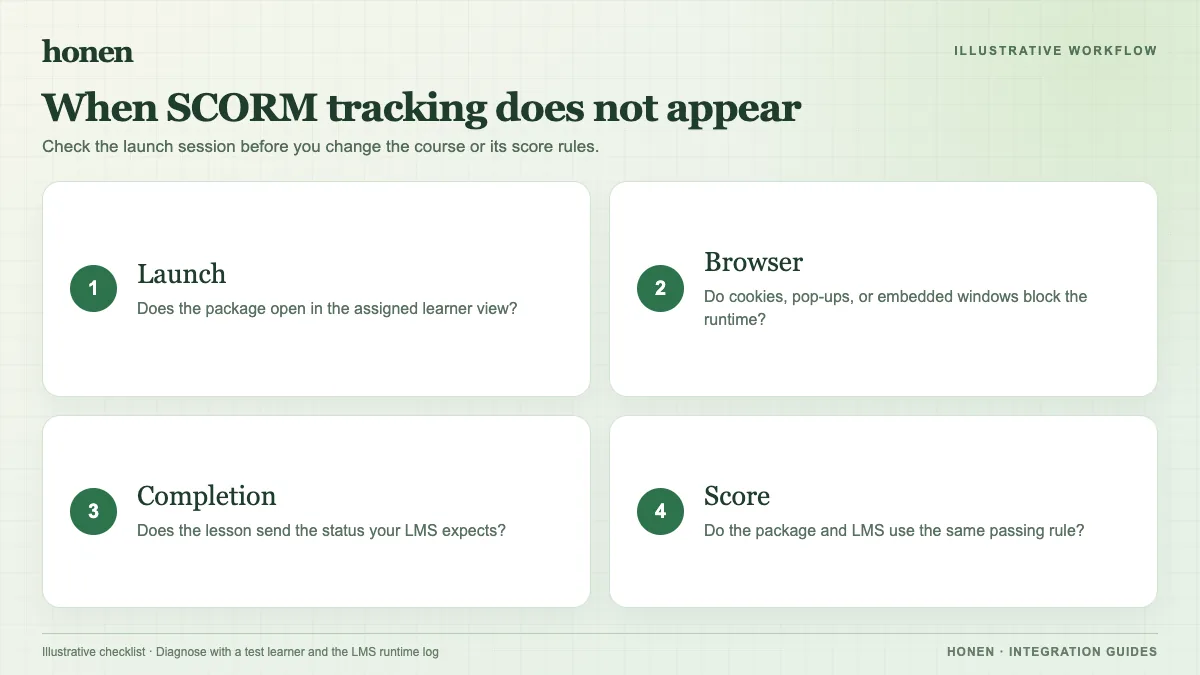
Confirm that the ZIP format matches the SAP content object's launch method. SAP lists distinct methods for SCORM 1.2, SCORM 2004, and SCORM 2004 4th Edition. Read SAP's launch method table. Re-import the correct package if the manifest and method do not match.
2. Check when the result is sent
Launch as a learner. Complete the required interaction. Keep the course open until it commits and closes normally. SCORM uses a browser API; a grade cannot arrive through that path after the browser session has ended. See SAP's SCORM API explanation. Check the item's completion settings and the package's own completion rule.
3. Check the window and domain
Allow the course launch window. SAP says its SCORM API is in the opener window and notes that cross-domain hosting can prevent content from finding it. Read SAP's cross-domain troubleshooting. Ask the SAP administrator to review the configured cross-domain solution before changing browser security settings. Test an alternate supported launch mode if needed.
4. Refresh the learner view
SAP says some online courses need the learner to use Verify course completion to refresh a section's status. Its visibility depends on the content and launch mode. See SAP's learner help. Compare the refreshed view with the learning history record.
5. Test the Honen course
Complete one pass, one fail, and one interrupted session. Check the SAP record after each. Honen's live package loads current content on launch; re-test after a material edit. Honen can help you draft short, direct sentences with one instruction per step and consistent terms. A qualified editor must check the approved dictionary, ASD-STE100 rules, and domain terms. No tool can certify the draft by itself.
Next step
Use the SAP SuccessFactors Learning integration guide and the live SCORM package guide to plan a clean retest.
Related guides
Build with Honen
Create a course from your source material. Review the content. Deliver it through your LMS.
Book a demo