AI tutor for SAP SuccessFactors Learning
A Honen course can include an AI tutor when learners launch it from SAP SuccessFactors Learning. The tutor helps learners ask questions in the context of that course. See how Honen works with SAP Learning.
What a tutor adds to a course
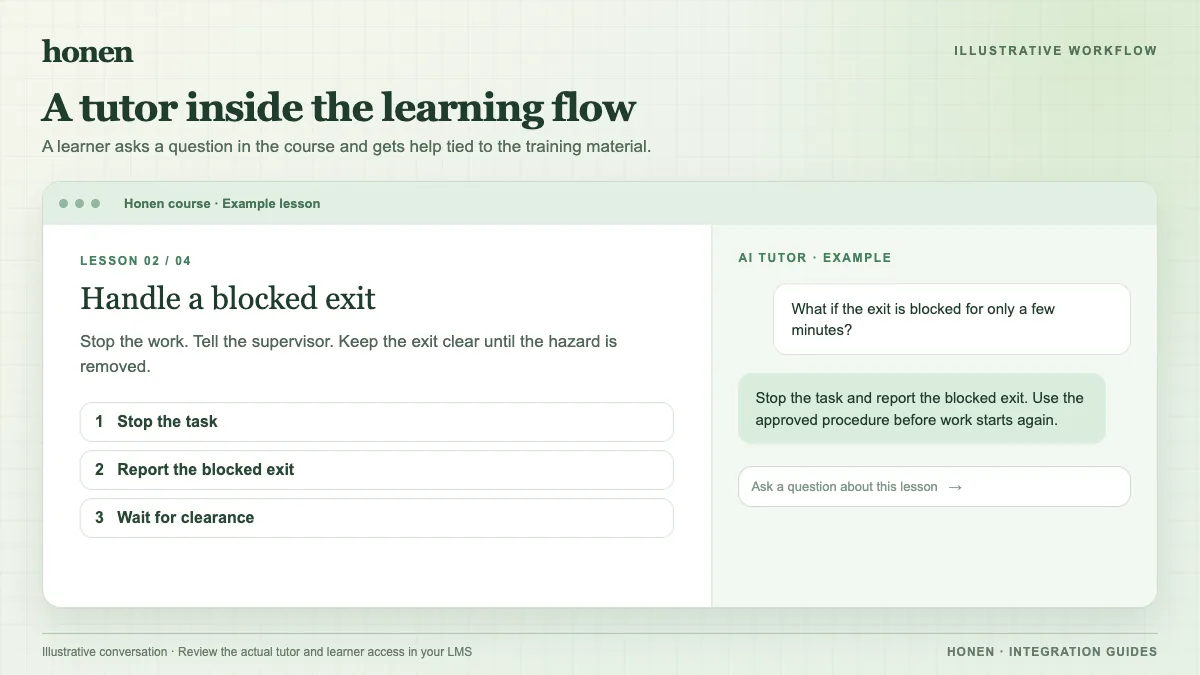
A fixed page can state a rule. A tutor can ask a learner to apply that rule to a case. For example, a learner might ask, “What do I do if the inspection tag is missing?” The tutor should direct the learner to the approved procedure and ask the learner to confirm the stop-work step. It must not invent a site policy.
Prepare the course and its answers
- Add current, approved source material to Honen.
- Draft lessons and the questions that the tutor should address.
- Ask a subject expert to test normal and edge-case questions.
- Remove unsupported answers before rollout.
Honen can help you draft short, direct sentences with one instruction per step and consistent terms. A qualified editor must check the approved dictionary, ASD-STE100 rules, and domain terms. No tool can certify the draft by itself. The tutor is a learning aid. It does not replace an instructor or policy owner for a safety decision.
Launch and track the experience
Export a Honen SCORM package and import it into SAP Learning. Learners open the assigned item in SAP; the tutor appears in the launched Honen course. Test access in your tenant.
The SCORM API exchanges progress and results while the course is open; it does not send tutor conversations as SAP grades. SAP explains the SCORM exchange. SAP learners can start or continue assigned online courses from their learning assignments. See SAP's learner help.
Next step
See the SAP integration overview and ways to add a tutor to an existing LMS.
Related guides
Build with Honen
Create a course from your source material. Review the content. Deliver it through your LMS.
Book a demo