How to upload a SCORM package to Workday Learning
Enable packaged content in Workday, then add the SCORM ZIP as a media lesson in a course. Workday documents SCORM 1.2 and 2004 support. For a package built in Honen, see how Honen works with Workday Learning.
Before you upload
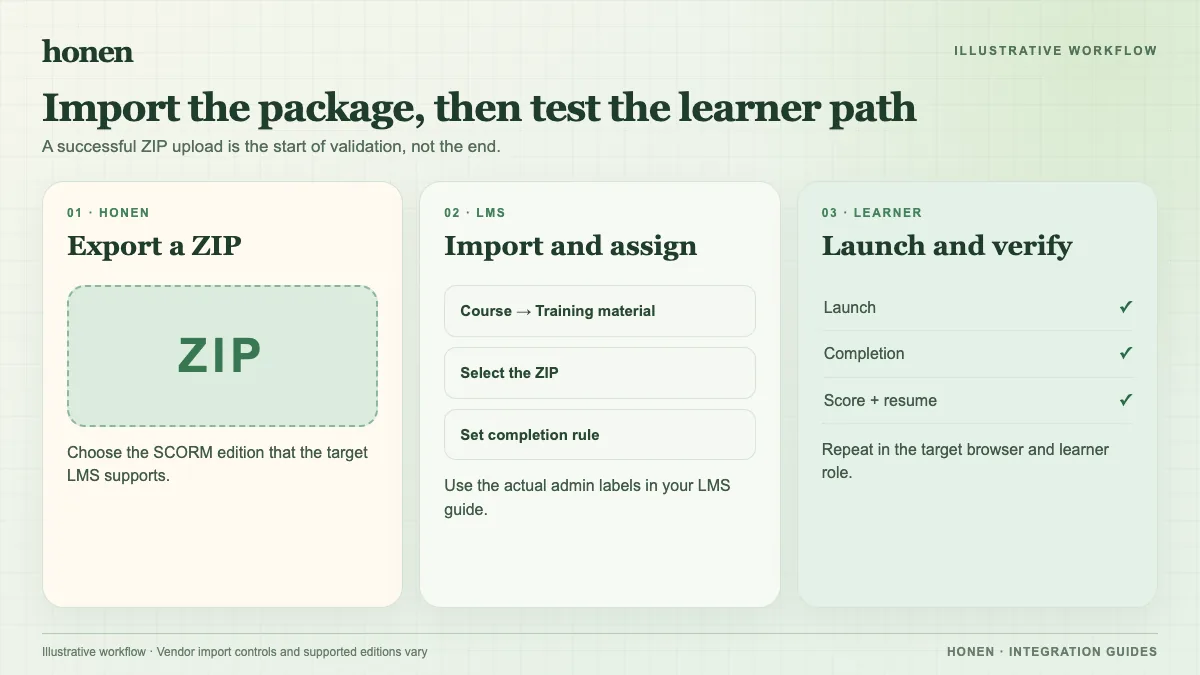
Check access to the course management tasks. Ask your administrator to enable Enable Packaged Content in Edit Tenant Setup - HCM. Workday says SCORM packages cannot be stand-alone lessons. Keep the ZIP intact; it must include a valid package manifest. The Learning file picker and Drive have a documented 4 GB ZIP limit. Your tenant may have a lower default limit.
Add the package
- Open an existing Workday Learning course or use the Create Course task.
- Add a Media lesson to the digital or blended course.
- Select the packaged-content ZIP for that lesson. Workday documents direct upload from a desktop, upload through Drive, and bulk upload through Media Importer. Choose the route your team has enabled.
- Set the course and lesson tracking options that your training policy requires. Workday's course setup can use a packaged-content lesson to provide the course grade.
- Save or submit the course under your organization's approval process.
The exact screen order can vary by tenant. Follow Workday's Create Learning Courses instructions for your configuration.
Test before rollout
Launch the course with a learner account. Finish a lesson, exit, and inspect the status and score in Workday. Test a second session for resume. Workday recommends testing standards behavior in SCORM Cloud. If the package opens in another window, allow pop-ups for the Workday domain. Workday's administrator guide explains these limits.
If you need question-level responses, an administrator must enable packaged-content interaction reporting, and the package must publish interaction data. Do not infer that every quiz question appears in Workday by default.
Need a course to upload?
Honen can draft lessons from approved files. Keep each instruction short and active. A qualified editor must check approved words, ASD-STE100 rules, and domain terms; Honen does not certify conformance. Build the course, then return to the Honen and Workday Learning integration. The learning format guide can help you plan a version test.
Related guides
Build with Honen
Create a course from your source material. Review the content. Deliver it through your LMS.
Book a demo