SCORM vs cmi5 vs xAPI vs LTI
Choose the path that your LMS supports and your reporting task needs. SCORM and cmi5 are course packages. xAPI sends learning records to an LRS. LTI 1.3 connects a hosted learning tool to an LMS. Honen can build the course and deliver it through a supported path. Find your LMS.
What each path does
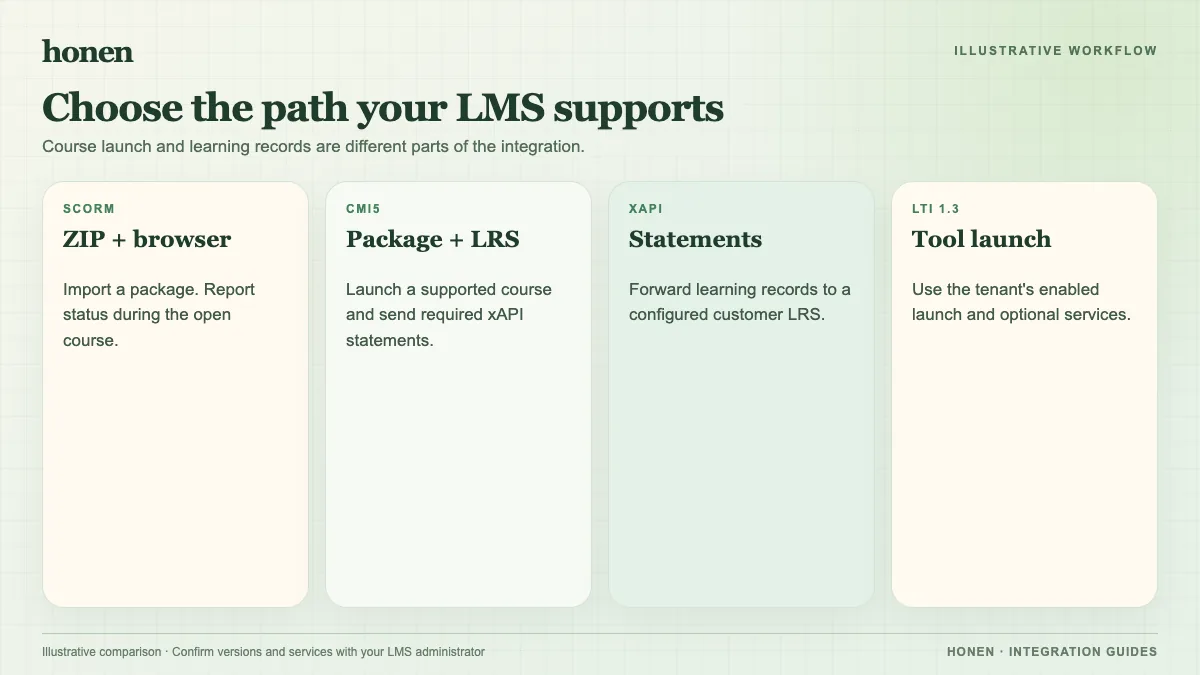
| Path | Course launch | Learning record | Best starting point |
|---|---|---|---|
| SCORM 1.2 or 2004 | Import a ZIP into the LMS | Browser session sends status, score, time, and resume data | Your LMS accepts SCORM and you need standard completion records |
| cmi5 | Import a cmi5 package into a supported LMS | Required xAPI statements go to the LMS LRS | Your LMS has confirmed cmi5 support |
| xAPI | Configure a sender and an LRS | Statements record learning events | Your team needs learning data in its LRS |
| LTI 1.3 | Register a tool in the LMS | Launch data; optional services can supply rosters and grades | Your LMS supports the services your course needs |
The ADL cmi5 guide explains why cmi5 uses xAPI for LMS-launched courses. The 1EdTech LTI overview separates LTI Core from optional services such as Names and Role Provisioning and Assignment and Grade Services. Check each LMS tenant. A platform can support an LTI launch without every LTI Advantage service.
Choose by the record you need
Start with SCORM if the LMS must store completion and score and has no other verified path. SCORM sends data while the learner has the course open. It does not send a server-to-server grade after the course closes. Use cmi5 when your LMS accepts it and you need the defined launch and statement rules. Use xAPI forwarding when your organization has an LRS and wants detailed records outside the LMS. Use LTI 1.3 when your LMS and tenant enable the services you need for launch, roster data, or grades.
Honen's SCORM and cmi5 packages load the current course from Honen. Edit the course in Honen, then test the next launch in the LMS. The original import can remain in place when only the course content changes. Read how a live SCORM package works.
Before a rollout, test whether your LMS permits a hosted package. A supported SCORM or cmi5 format does not, by itself, prove that the player accepts a thin launcher or records its exit correctly.
Write the course before you export it
Use approved source documents. Ask Honen to draft lessons, practice, and checks. Then review each fact and instruction. If your team uses ASD-STE100, a qualified editor must check the draft against the approved dictionary and writing rules. Honen can help your team move toward controlled language. The ASD maintenance group provides the official standard.
Next step
Open the integration directory. Select your LMS. Confirm the path in its guide and run a learner test before release.
Related guides
- How to add an AI tutor to your existing LMS with Honen
- AI course creation tools for corporate LMSs: a practical comparison
- Which LMS integration do you need? Choose a Honen delivery path
- Honen vs Articulate 360: course authoring and LMS delivery
- How to keep compliance training current across several LMSs
Build with Honen
Create a course from your source material. Review the content. Deliver it through your LMS.
Book a demo