Connect Honen xAPI forwarding to Learning Locker
Learning Locker can receive xAPI records from courses built in Honen. Configure this as an LRS destination for Honen's server-side xAPI 1.0.3 forwarding. It is separate from placing a course inside your LMS: use the LMS's supported delivery path for launch and its completion record. The delivery-path comparison helps you choose that path.
Prepare a Learning Locker client
- Ask your Learning Locker administrator which store should receive Honen statements.
- Create or select a client for the connection. Learning Locker's client reference describes the client key, secret, assigned LRS, and permission scopes. Give the client only the access your deployment needs.
- Copy the instance's xAPI endpoint and the client credentials into the Honen forwarding setup. Learning Locker's xAPI reference shows the
/data/xAPIinterface and Basic authentication. Confirm the actual endpoint for your hosted instance; the documentation URL is an example, not your endpoint. - Launch a test course as a learner. Find the resulting statement in the intended store. Check the learner actor, course activity ID, verb, timestamp, and result with your reporting owner.
If the statement does not arrive, check the client scope and store first. Next check authentication and the endpoint. Compare the test learner's identifiers with the identifiers your LMS supplies. A display name alone is a weak key for cross-system reports.
Keep the two records distinct
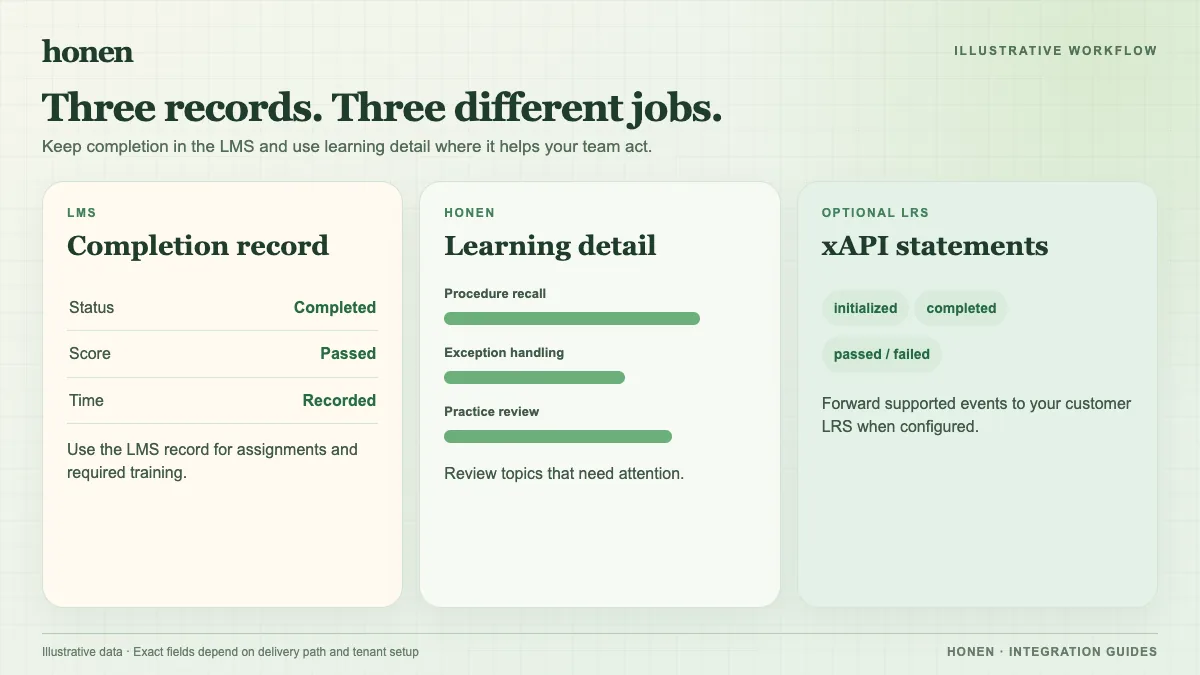
Learning Locker stores xAPI statements. Your LMS may separately store completion and score. If you use a Honen SCORM package, the package reports to the LMS while the course is open in the browser. The Learning Locker connection does not turn that SCORM result into a server-to-server LMS grade. Read how live SCORM works before you set an audit requirement.
Honen can also act as an LRS, but choose the destination that fits your reporting system. Do not assume that an LRS connection can launch third-party xAPI or cmi5 content inside Honen. Test the statements you need, then document who reviews failed deliveries and who controls client credentials.
Review the course text
Good tracking cannot correct an unclear instruction. Build lessons from approved source material in Honen, then have a subject-matter expert check the facts. For ASD-STE100 work, use short, direct sentences and consistent terms as a drafting aid. A qualified editor must check the approved dictionary and all relevant writing rules; Honen does not certify a percentage of compliance. The official ASD-STE100 site identifies the standard.
Related guides
- How to add an AI tutor to your existing LMS with Honen
- AI course creation tools for corporate LMSs: a practical comparison
- Which LMS integration do you need? Choose a Honen delivery path
- Honen vs Articulate 360: course authoring and LMS delivery
- How to keep compliance training current across several LMSs
Build with Honen
Create a course from your source material. Review the content. Deliver it through your LMS.
Book a demo