How Honen works with Canvas LMS
Keep Canvas for courses, rosters, and grades. Use Honen to build a lesson and its AI tutor, then launch it from Canvas through LTI 1.3. A Canvas administrator must register the tool and grant the services your institution needs.
Connect Honen to Canvas
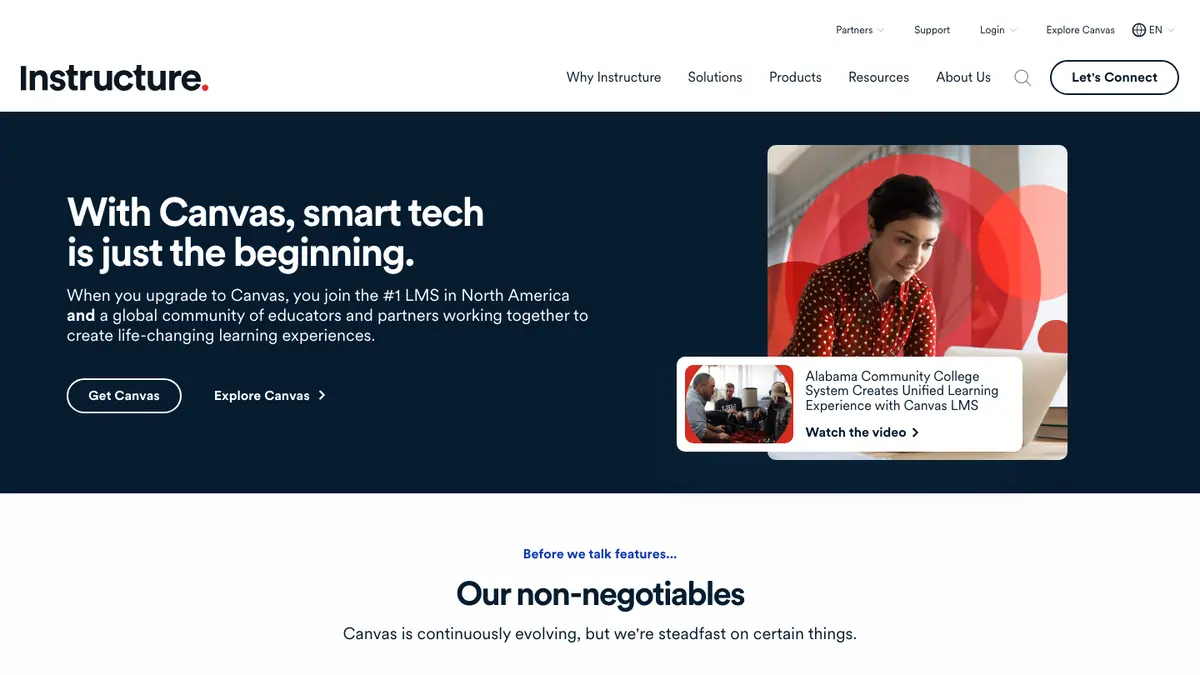
Canvas documents LTI 1.3 registration. An administrator can use dynamic registration or configure a developer key and install the tool. Honen supports the Canvas LTI 1.3 path. Test the registration in your institution's Canvas environment before release.
- Create a Honen organization workspace and publish a course.
- Have a Canvas administrator register the Honen LTI 1.3 tool.
- Enable the placements and service permissions needed for the course.
- Add the Honen course to a Canvas module or external-tool assignment.
- Launch as a test instructor and learner.
With Deep Linking, an instructor can select a course or graded assignment from the tool. Canvas can display an external-tool assignment in a frame. Test both the embedded view and any new-tab option under your institution's browser policy.
Build a course with AI

Start from an approved syllabus, document, slide deck, or video. Honen can draft a lesson, practice activity, and course-specific AI tutor. A subject expert must check facts, assessment answers, and safety instructions. The learner opens the Honen course from Canvas and can ask the tutor about the course material without a second Honen sign-in.
Write controlled language
Use one term for each item. Write short sentences in active voice. Give one action per step. Honen can help draft and review this style for a course delivered in Canvas. These practices draw from ASD-STE100, but they do not prove conformity. A qualified editor must check the approved dictionary, rules, and domain terms.
Use rosters and grades with care
Canvas supports NRPS when an LTI developer key grants the scope and the tool is installed in the course context. Honen can sync the Canvas roster into an existing mapped group after the service credentials and membership URL are available. Launches also provision learners and map roles and course context.
Canvas supports Assignment and Grading Services for permitted LTI 1.3 tools. Honen can send completion or pass/fail results to the associated Canvas line item server to server. Its progress-percent policy is coarse, and a per-course test grade is not currently wired to grade passback. Check the selected policy and gradebook result with a test learner. Honen keeps more detailed activity and mastery data in its own analytics.
When to use SCORM instead
SCORM support alone does not verify Honen's hosted launcher in Canvas. Test the exact ZIP, learner launch, and result in your site before rollout.
Canvas also supports SCORM 1.2 and SCORM 2004, including 4th Edition, through a SCORM LTI that an institution must enable at the account level. Use a Honen SCORM ZIP if your institution needs a package path and that Canvas tool is enabled. Honen's package loads current course content, so content edits do not require a new ZIP. SCORM results write through the browser only while the course is open. LTI 1.3 is the more direct route when your institution permits its roster and grade services.
Questions teams ask
Does Honen replace Canvas?
No migration is needed for this path. Canvas remains the course and gradebook home; Honen supplies authored learning content and the tutor.
Do Canvas learners need a separate Honen login?
A verified LTI launch provisions the learner in Honen and opens the selected course. Test the launch under your institution's identity and browser policies.
Do Honen grades appear in the Canvas gradebook?
They can when the administrator grants AGS scopes and an assignment line item is connected. Test completion or pass/fail reporting. Do not assume a detailed test score is available.
Can Honen read a Canvas course roster?
NRPS can supply the roster when the developer key grants the scope and Canvas provides a membership URL. Honen syncs it to an existing mapped group.
Can we upload a Honen SCORM ZIP to Canvas?
Yes, if your institution has enabled Canvas's SCORM LTI. Use the Canvas SCORM upload guide and test the selected package version.
Related Canvas guides
- AI course creator for Canvas
- How to upload a SCORM package to Canvas
- AI tutor for Canvas
- Canvas LTI 1.3 integration guide
- How to add an AI tutor to an existing LMS
Start with one Honen course and one Canvas test assignment. Check the learner view, roster access, and gradebook result before wider use.
Related guides
Build with Honen
Create a course from your source material. Review the content. Deliver it through your LMS.
Book a demo