Canvas LTI 1.3 integration guide for Honen
Register Honen as an LTI 1.3 tool in Canvas, then enable only the placements and services your course needs. Honen works with Canvas through a verified LTI launch, Deep Linking, optional AGS grades, and optional NRPS roster sync.
Register the tool
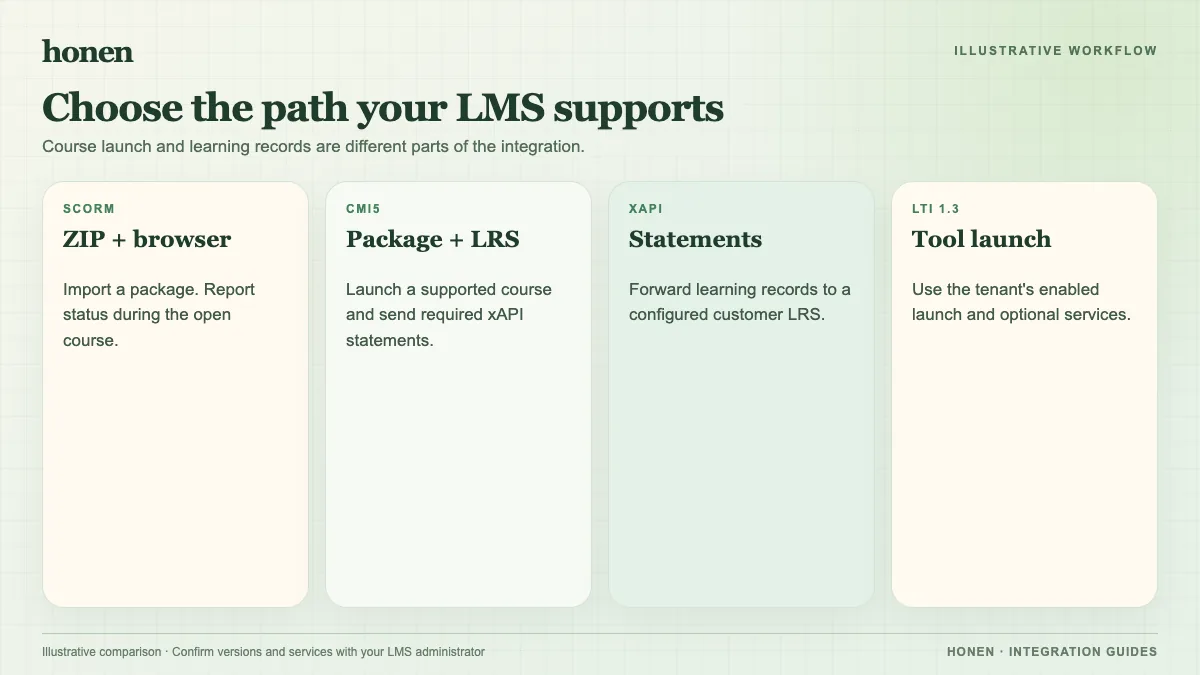
Canvas documents dynamic registration and manual developer-key configuration. Honen supports dynamic registration for Canvas. An institution administrator must approve the registration and install the tool in the required account or course context.
- Create the Honen organization workspace and publish a test course.
- Open Honen's LMS integration settings and start the Canvas LTI 1.3 setup.
- Give the registration information to a Canvas administrator.
- Have the administrator review placements and service scopes.
- Install the tool in the Canvas context that will use it.
- Run a test launch from a Canvas course.
Do not assume that a successful launch grants grade or roster access. Those services need their own permitted scopes and a matching course context.
Select a course with Deep Linking
Canvas Deep Linking can place a selected LTI resource in a module or assignment. Honen can return a course or graded assignment when the compatible placement is enabled. An instructor should select one test course and inspect the resulting Canvas item.
Configure grades with AGS
Canvas requires the desired AGS scopes on the LTI developer key. Connect the Honen assignment to a Canvas line item. Honen can post completion or pass/fail to that line item server to server. Its progress-percent policy is coarse. A detailed per-course test grade is not currently wired to passback. Check the result with a test learner and the intended gradebook policy.
Configure rosters with NRPS
Canvas requires the NRPS membership scope and an installation in or above the course context. Canvas supplies a membership URL in an eligible launch. Honen can sync that roster into an existing mapped group once it has the required credentials and URL. NRPS reads Canvas membership; it does not create Canvas enrollments.
Review course text and learner access
Use short, active instructions with one action per step. Honen can help draft and review controlled language drawn from ASD-STE100 practices. A qualified editor must check the approved dictionary, rules, and domain terms.
Test as an instructor and learner. Check the launch, tutor, roster, and gradebook result. Use a new tab if your institution's browser policy makes an embedded launch unreliable.
For the overview, return to Honen with Canvas. For protocol choices, read SCORM, cmi5, xAPI, and LTI explained.
Related guides
Build with Honen
Create a course from your source material. Review the content. Deliver it through your LMS.
Book a demo