TalentLMS SCORM not tracking? Check the package and session
If a TalentLMS SCORM unit stays incomplete, first confirm the package format and final completion action. TalentLMS documents both as common causes. See Honen for TalentLMS for the supported package path.
Check the format
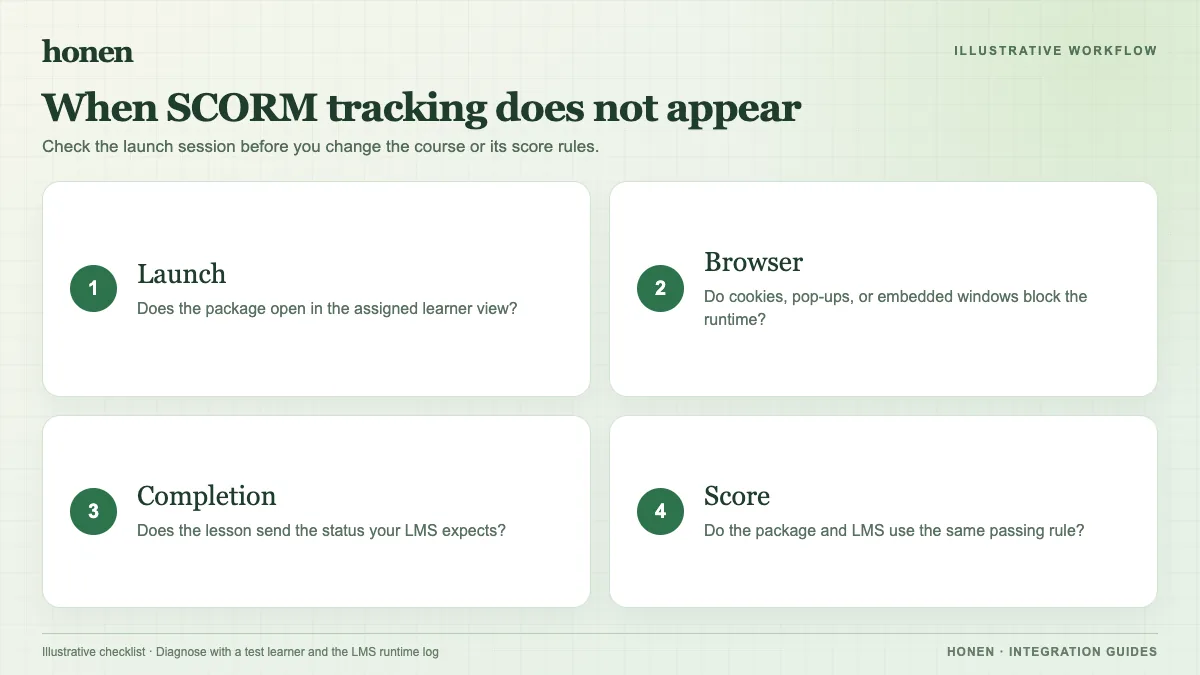
TalentLMS supports single-SCO SCORM 1.2 only. It does not support SCORM 2004 or Multi-SCO packages. Export again if the ZIP uses the wrong format. Test the new ZIP with a learner account.
Check the completion action
Open the unit and perform the final action. This may be a quiz submission, an Exit button, or a required last step. TalentLMS says the package must send a completed or passed lesson status. If the authoring rule is wrong, change it in the source course. SCORM reporting occurs while the course is open; a later server action cannot repair a missing browser session result.
Check the exit and resume path
TalentLMS warns that leaving before the final save can lose progress. Exit normally and check the attempt. If a revised course has a new structure, old suspend data may no longer match it. Test a fresh attempt before you reset learner progress.
Check the browser and external host
Browser cookie restrictions can stop a SCORM course from loading or tracking. TalentLMS documents the cookie error and external dispatch package failures. If a live Honen package cannot reach its host, check the URL, browser console, and network access. Try the available display modes. Do not turn off browser protections for a full rollout based on one test.
Use clear test notes: browser, display mode, package version, learner action, and reported status. Write one action per step. A qualified editor should still check any revised controlled-language lesson against ASD-STE100 rules and approved terms.
Next step
Return to the TalentLMS integration overview after the test passes. Read SCORM, cmi5, xAPI, and LTI explained if you need another path.
Related guides
Build with Honen
Create a course from your source material. Review the content. Deliver it through your LMS.
Book a demo