AI tutor for TalentLMS: help inside the course
Honen can put an AI tutor inside the course that a learner opens from TalentLMS. The learner starts the learning activity in TalentLMS and uses the tutor as part of the Honen course. Review how Honen works with TalentLMS before you choose SCORM or cmi5 delivery.
Give the tutor a bounded source
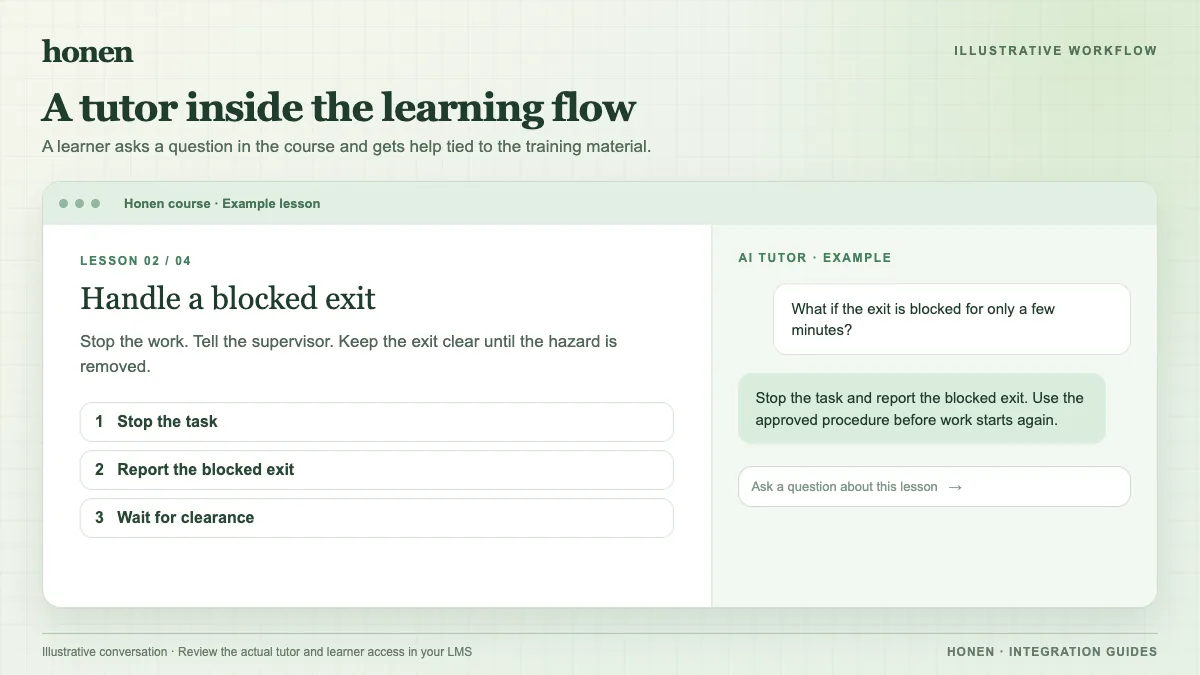
Start with an approved policy or procedure. Check its revision date and remove obsolete instructions. Ask Honen to draft a course and tutor experience from that source. Test questions that learners are likely to ask. Also test a question that the source cannot answer. The tutor should direct the learner to a human owner when the source does not support an answer.
For example, a learner in an equipment safety course might ask, “What do I do if the inspection tag is missing?” The approved procedure may say to stop work and contact a supervisor. Check that the tutor gives the same action and does not invent an exception.
Deliver and test in TalentLMS
TalentLMS accepts SCORM 1.2 and cmi5 ZIP packages. Add the Honen package as a learning activity. Use a single-SCO SCORM 1.2 package if you choose SCORM. Test tutor access, launch display, and completion with a learner account. Check that the learner can ask a question without a separate course sign-in.
The tutor's answers and the LMS result serve different purposes. TalentLMS records the status and score the package sends. SCORM data returns while the course is open. Use Honen to inspect learning activity inside the course. If you need separate xAPI forwarding, configure and test your own LRS connection.
Keep the wording under review
Write short sentences and use consistent terms in the source. A qualified editor must check the course and tutor answers against the applicable ASD-STE100 rules, approved dictionary, and domain terms. AI output is a draft that needs human review.
Next step
Plan the rollout from Honen for TalentLMS. Read how to add an AI tutor to an existing LMS for the wider delivery model.
Related guides
Build with Honen
Create a course from your source material. Review the content. Deliver it through your LMS.
Book a demo