Articulate and iSpring alternatives for TalentLMS teams
If you use TalentLMS, compare authoring tools by the result you need: a valid package, a reviewed lesson, and reliable tracking. Honen suits teams that want AI-assisted drafting, a tutor in the course, and live content updates. See Honen for TalentLMS for its delivery path.
Start with TalentLMS requirements
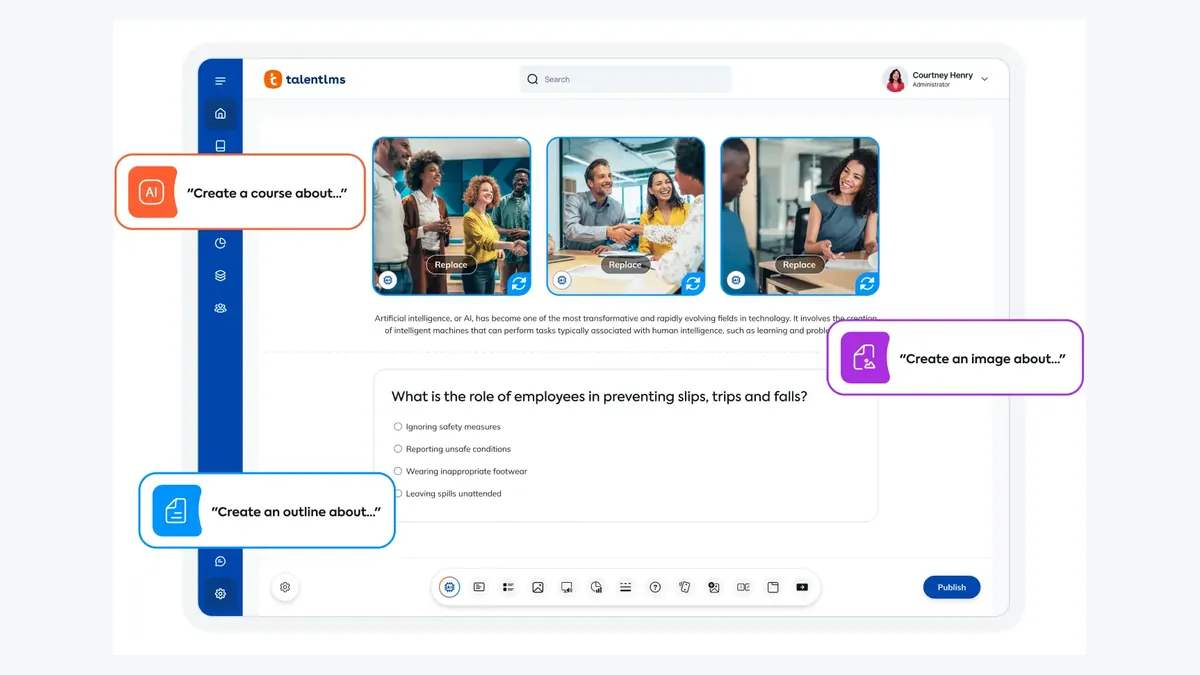
TalentLMS accepts single-SCO SCORM 1.2, but not SCORM 2004 or Multi-SCO packages. Check the export settings of any tool before you compare design features. TalentLMS also accepts cmi5 ZIP files, but you must enable xAPI in the portal and test the result.
Compare the workflow, not a feature count

| Decision | Honen | Articulate 360 | iSpring Suite AI |
|---|---|---|---|
| Start the draft | Draft lessons and checks from approved files; review tutor answers. | Rise AI Assistant can build from source documents; Storyline AI Assistant can refine writing on custom slides. | Build in PowerPoint or use AI to draft from slides and files. |
| Design interactions | Use Honen lessons, practice, checks, and the in-course tutor. | Use Rise blocks for a responsive course or Storyline triggers and layers for branching. | Use PowerPoint slides, quizzes, dialogue simulations, and AI editing. |
| Deliver to this LMS | Export Honen as one SCO in SCORM 1.2 for TalentLMS. | Select SCORM 1.2 in Rise or Storyline; verify one SCO before the TalentLMS import. | Select SCORM 1.2 in iSpring Suite; verify one SCO and a completion event. |
| Revise a released course | Approved Honen content loads through its live package on the next launch. | Rise Connected Packages in Labs can update a hosted SCORM 1.2/2004 course; test it in this LMS. | For a standard SCORM ZIP, edit the original iSpring project, publish again, and test the replacement. |
Articulate documents Rise AI and block authoring and Storyline's triggers and layers. iSpring documents PowerPoint authoring, AI, quizzes, and role plays. Compare these production strengths with the same learner task.
Rise Connected Packages remain a Rise Labs feature for SCORM 1.2 and 2004. iSpring says a published SCORM ZIP must be changed in its original project. TalentLMS rejects SCORM 2004 and multi-SCO packages. Check each tool’s output structure as well as its authoring features.
Review controlled language before release
Use one approved term for one concept. Write short sentences. Put one action in each instruction. Honen can help draft and revise this style, but a qualified editor must check ASD-STE100 rules, approved terms, and domain language. The same review applies to any authoring tool.
Export a test package. Launch it in TalentLMS as a learner. Complete the final action, exit the unit, and check the result. SCORM sends progress while the course is open.
Next step
Use the TalentLMS integration overview to evaluate Honen. Read what a live SCORM package is to compare revision workflows.
Related guides
Build with Honen
Create a course from your source material. Review the content. Deliver it through your LMS.
Book a demo