How Honen works with Rippling Learning
Keep Rippling Learning for assignments and training records. Build the course in Honen, then use Rippling's SCORM package upload route. Rippling lists SCORM upload as one way to add a custom course. Its public guidance does not state the accepted SCORM editions, package limit, or exact admin steps. Confirm those in your tenant before export.
Plan the upload
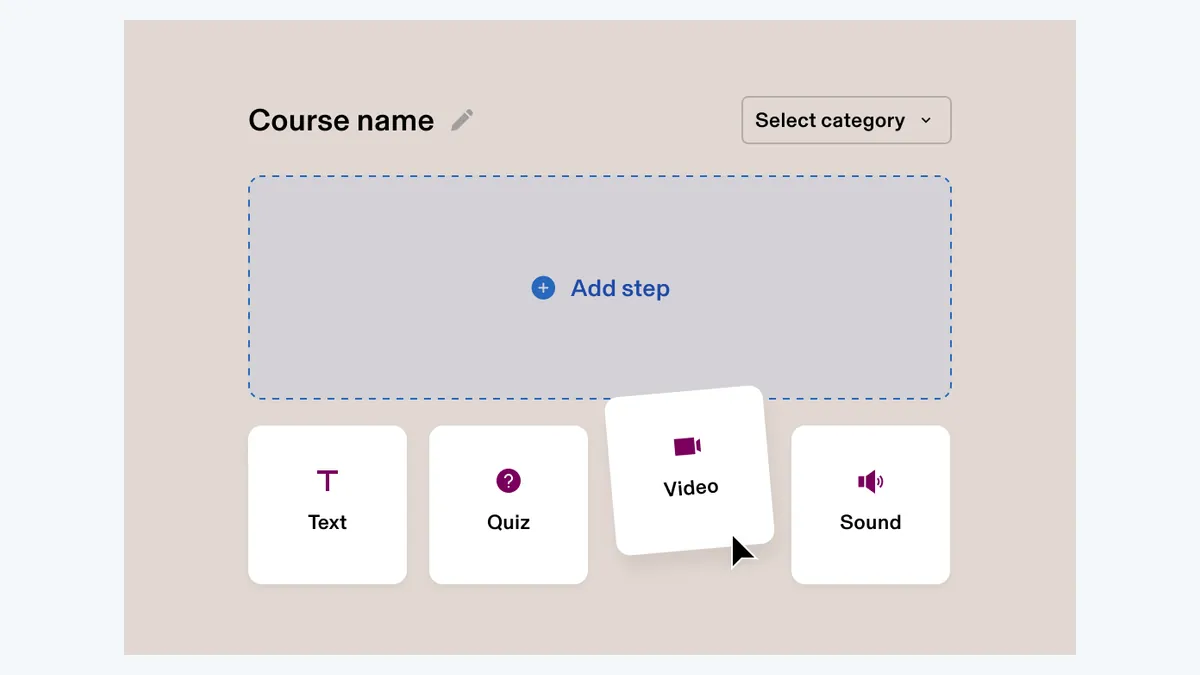
- Create and approve the course in Honen.
- Ask your Rippling administrator which SCORM version and upload route the tenant accepts.
- Export that version from Honen and upload it using Rippling's course process.
- Launch as a learner. Check completion, score, time, and resume before assignment.
Honen's thin live package loads current approved content on a later launch, so a revision can appear without a new ZIP. Test this hosted-content behavior in your Rippling tenant. Public Rippling material confirms SCORM upload, but it does not verify every thin-package launch pattern.
Build clear training with AI

Give Honen approved documents, slides, or video. Draft lessons, checks, and a tutor experience. Review each fact, image, warning, and answer. Use short, active sentences. Put one action in each instruction and keep terms consistent.
Honen can help draft and review this controlled-language style. A qualified editor must check the approved dictionary, ASD-STE100 rules, and domain terms.
Tutor and tracking
The Honen tutor runs inside the launched course. Check the learner's browser and sign-in experience in your tenant. SCORM can report completion, pass/fail, score, time, and resume during the open browser session. It does not send server-to-server grades after the learner closes the course.
Rippling describes enrollment and completion reports. Use Rippling for training records and Honen for course-level progress and mastery review. If you use a separate LRS, plan Honen xAPI forwarding as its own setup. Do not assume Rippling accepts cmi5 or a specific LTI service from general marketing statements.
Common questions
Can I upload a SCORM course to Rippling Learning?
Rippling says yes. Confirm the edition, limit, and admin flow in your tenant.
Which SCORM version should I choose?
Rippling's public course announcement does not identify a version. Ask your administrator and test the selected export.
Can I update a Honen course later?
The Honen thin package loads current content on a later launch. Verify that behavior in your Rippling tenant before relying on it.
Will Rippling get grades after the learner exits?
No. The SCORM connection reports through the open browser session.
Does Honen certify ASD-STE100 content?
No. A qualified editor checks the approved words, rules, and technical terms.
Rippling Learning guides
Related guides
Build with Honen
Create a course from your source material. Review the content. Deliver it through your LMS.
Book a demo