How to upload SCORM to Oracle Learning
Create self-paced learning with online SCORM content, then test its launch and result. Oracle's current catalog guide uses My Client Groups > Learning and Development > Learning Catalog. For a Honen course, first read Honen with Oracle Learning.
Prepare the package
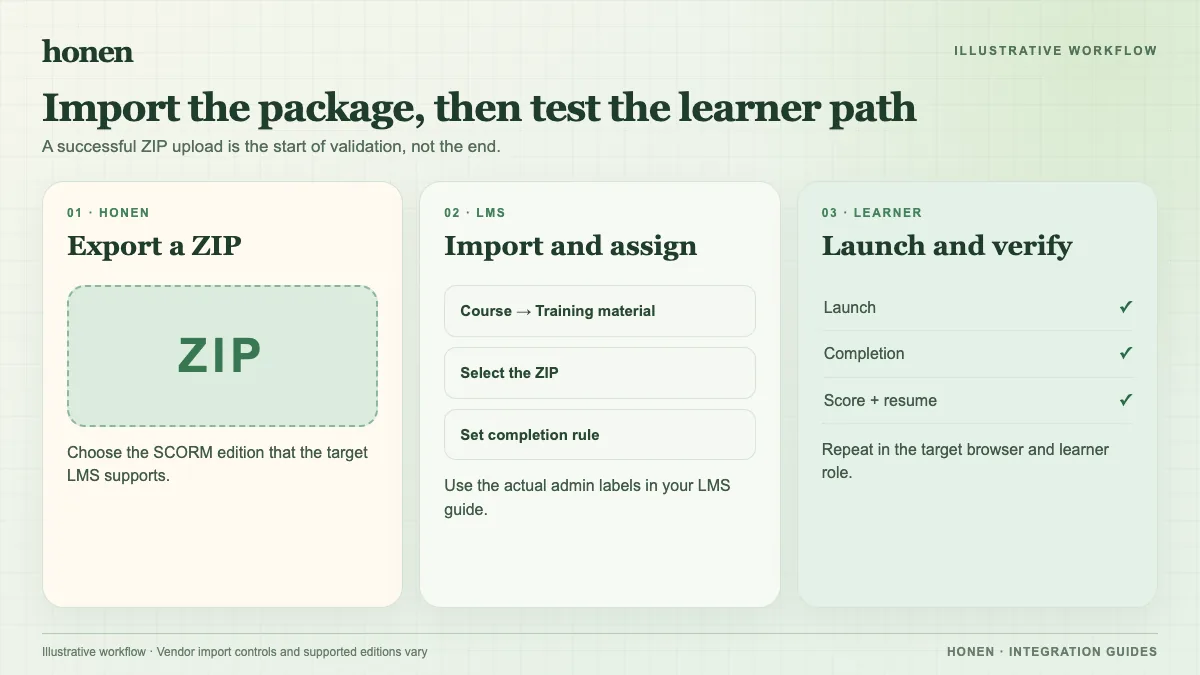
Export a SCORM 1.2 or a tenant-tested SCORM 2004 ZIP. Keep its manifest at the ZIP root. Use the format your Oracle administrator has approved. Oracle's newer self-paced upload route documents a 2 GB SCORM ZIP limit. Check your tenant because older content-resource workflows can differ.
Add it to self-paced learning
- Open My Client Groups > Learning and Development > Learning Catalog.
- Create a self-paced learning item with online content.
- Upload the SCORM ZIP as the single digital experience.
- Set attempts, completion, and catalog visibility according to your policy.
- Wait for Oracle to process the ZIP before learners use it.
Oracle describes the self-paced catalog flow and the combined Redwood creation experience. Follow the interface enabled in your tenant. Do not mix older Content resource steps with the newer self-paced screen.
Verify the record
Open the item as a test learner. Check completion, score, pass/fail, time, and resume after exit. A Honen live package loads current approved content on a later launch without another ZIP upload. Re-test a material edit. SCORM reports through the browser while the course is open.
Keep course instructions short and active. Honen helps draft and review this controlled-language style; a qualified editor must check the approved dictionary, ASD-STE100 rules, and domain terms. Honen does not certify compliance.
Next step
Return to Honen with Oracle Learning and review what a live SCORM package does.
Related guides
Build with Honen
Create a course from your source material. Review the content. Deliver it through your LMS.
Book a demo