Northpass learning analytics for Honen customer courses
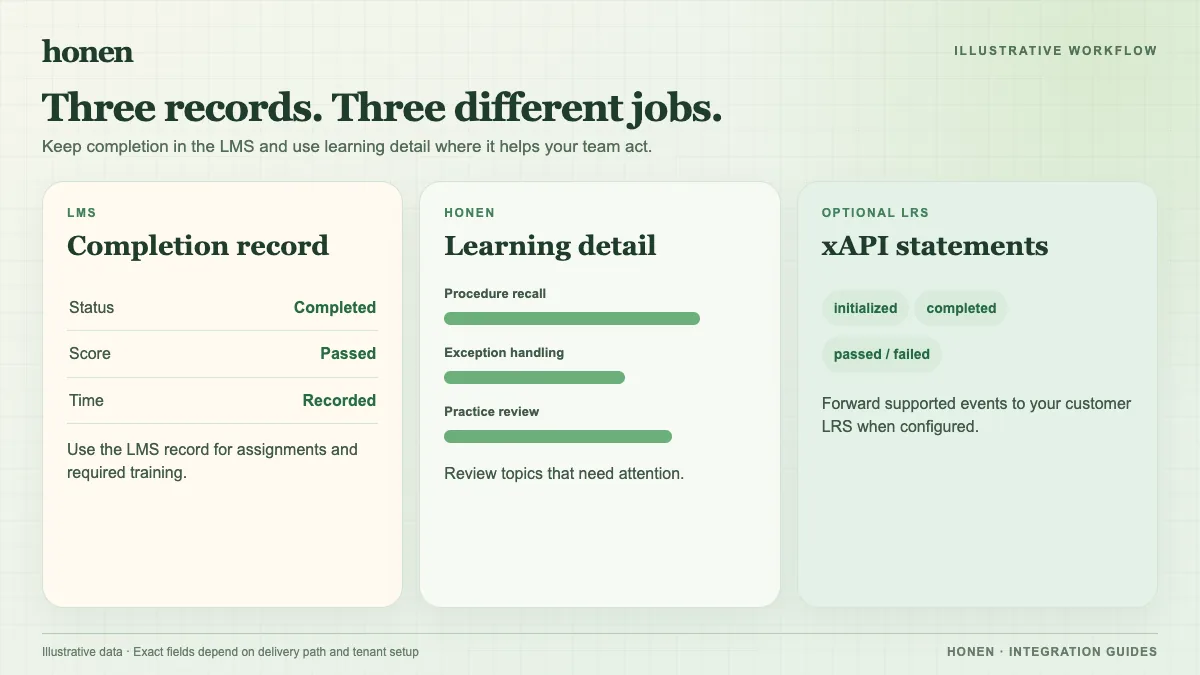
Use Northpass to track a customer's course result and Honen to inspect work inside the lesson. The two views answer different questions. Read Honen for Northpass before you choose a completion rule.
Product-name check: Northpass.com now directs visitors to Skilljar by Gainsight. Use these steps only for an existing Northpass or Gainsight Customer Education tenant; Skilljar has a separate guide.
Check the rule behind the result
Northpass can require a SCORM activity through a milestone. For a required onboarding step, record the expected score and completion rule before launch. Northpass says a SCORM milestone may depend on raw, minimum, and maximum score values. If a customer finishes the lesson but cannot move forward, inspect those values and the milestone configuration.
SCORM completion, pass or fail, score, time, and resume data travel to the LMS while the lesson is open. Test one successful attempt, one incomplete attempt, and a resume. Compare the Northpass course state with Honen's lesson activity. Do not infer a customer's mastery from a launch event alone.
Connect learning to customer operations
Gainsight Customer Education can share enrollment and activity data with Salesforce when that integration is configured. Use the course record to identify who finished onboarding. Use Honen activity to find a confusing setup step. Then ask the source owner to revise and approve the instruction. Test the revised lesson with a customer account.
Use short active sentences and one term for one product feature. A qualified editor must check ASD-STE100 rules, the approved dictionary, and domain terms. Neither a course score nor an AI draft proves controlled-language conformity. Separate xAPI forwarding to your own LRS needs its own setup and validation.
Return to Honen for Northpass or read SCORM, cmi5, xAPI, and LTI explained.
Related guides
Build with Honen
Create a course from your source material. Review the content. Deliver it through your LMS.
Book a demo