Moodle Workplace LTI 1.3: register and test the tool
Moodle Workplace lists LTI content integration, and Moodle documents LTI 1.3 Advantage external tools. A site administrator can register Honen as a tool, then add it to a course if the site allows the needed services. See Honen for Moodle Workplace to compare this route with SCORM.
Check the site and registration
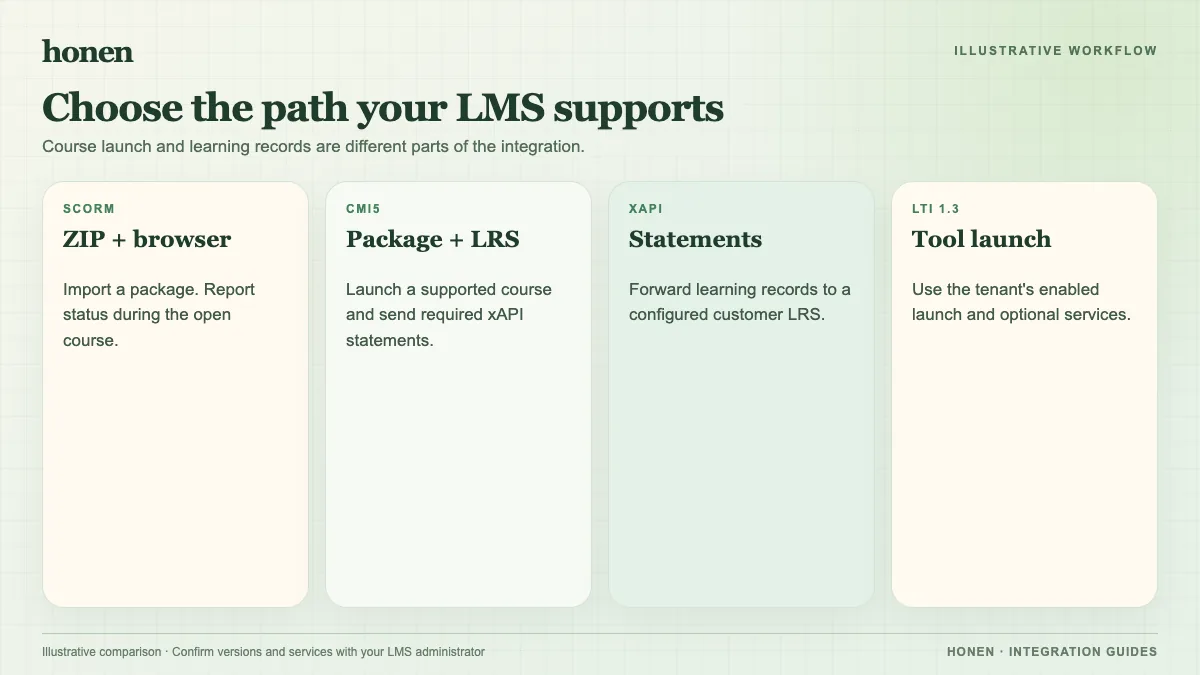
Confirm the Workplace version, external-tool plugin, and administrator permissions. Moodle's LTI External tools page describes the course tool list and registration details. Obtain the Honen registration information for your deployment. Register the tool in the site and confirm its launch URL, client information, and deployment. Use the LTI 1.3 configuration for this path; do not substitute legacy key-and-secret instructions.
Add a course activity
Make the registered tool available in the course activity chooser. Add it as an LTI External tool activity. Choose the display mode your site allows. Launch as a test learner. Check that the learner reaches the correct Honen course and tutor without a second course sign-in.
If your rollout needs names and roles, groups, or grades, check each required LTI Advantage service in the Moodle site and Honen configuration. Test a learner attempt and inspect the actual result. Server-to-server grade return depends on the configured grade service. A working launch alone does not prove it.
Keep content under review
Give Honen approved source material. Check lesson facts, questions, and tutor answers with the owner. Write short sentences and one action per instruction. A qualified editor must check ASD-STE100 rules, approved terms, and domain language. Honen does not certify conformity.
When SCORM may be simpler
Choose SCORM 1.2 when your site has an established package process and you need basic completion or score reporting. Choose LTI when the site administrator can configure and test the services your course needs. Both paths need a learner test.
Next step
Use the Moodle Workplace overview for rollout planning. Read SCORM, cmi5, xAPI, and LTI explained for a broader comparison.
Related guides
Build with Honen
Create a course from your source material. Review the content. Deliver it through your LMS.
Book a demo