SCORM 1.2 vs SCORM 2004
Start with the SCORM version your LMS vendor documents and your tenant accepts. SCORM 1.2 is a useful first test when the vendor accepts both and you need basic status and score. Use SCORM 2004 when the LMS requires it or you need its reporting model. Test the exact edition, because SCORM 2004 support can vary. Find the guide for your LMS.
What changes between versions
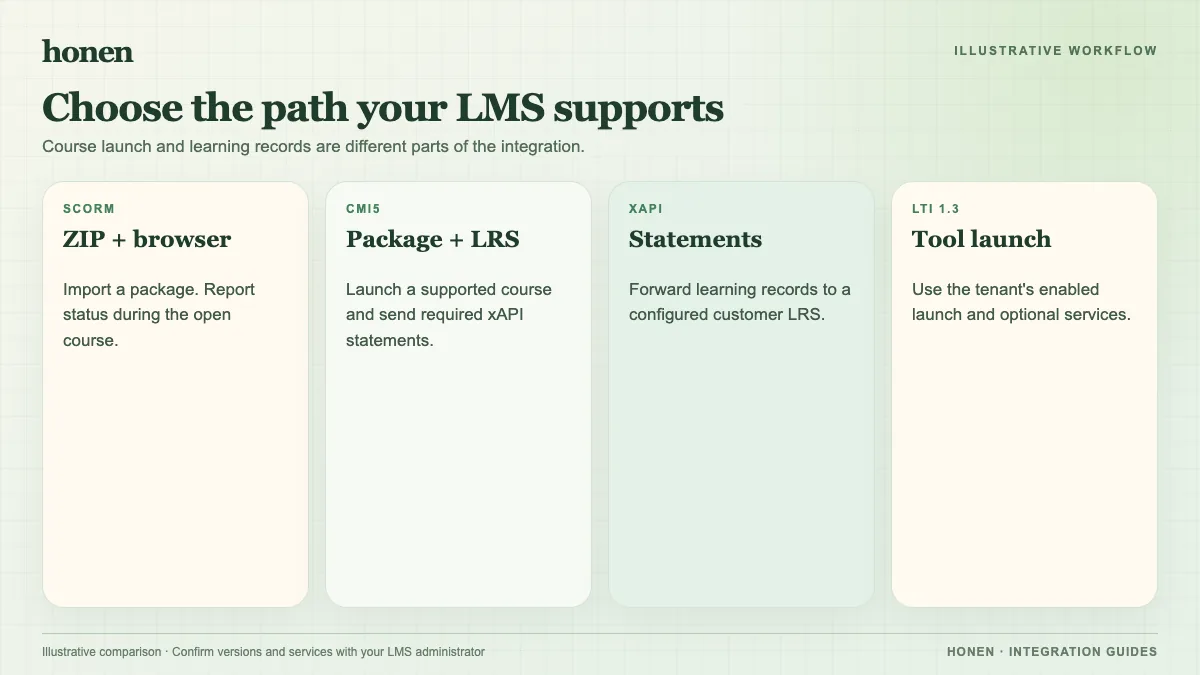
SCORM 1.2 and SCORM 2004 both launch a package and exchange data through the browser. Both can record learner progress. SCORM 2004 separates completion from success status and has a more developed sequencing model. The LMS may interpret fields differently. A course marked complete in one tenant may need different settings in another.
| Check | SCORM 1.2 | SCORM 2004 |
|---|---|---|
| Basic completion and score | Supported by the data model | Supported by the data model |
| Completion and success | A combined status model | Separate status fields |
| Edition choice | One common 1.2 version | Edition matters; check the LMS |
| Best use | A basic, well-tested LMS path | The LMS needs or prefers a tested 2004 edition |
Adobe's SCORM packaging guide also tells authors to match the export format to the LMS. The ADL cmi5 guide explains why browser-based SCORM tracking has limits.
Test the actual course
- Confirm the version and edition in the LMS documentation.
- Export that version from Honen.
- Import the ZIP without changing its internal files.
- Launch it as a test learner.
- Finish a lesson, fail and pass a check, leave, and resume.
- Compare the LMS record with the intended rule.
SCORM data moves while the course is open. It does not create a server-to-server grade feed after the learner closes the course. Honen's live package loads current content on the next launch; you still need to re-test when a material edit changes a lesson or assessment. Read how live packages work.
Keep the instructions clear
Ask Honen to draft lessons from approved source files. Use short commands and one term for each object. A qualified editor must check ASD-STE100 rules and vocabulary if your training requires that standard. A SCORM version cannot determine language compliance.
Next step
Open the integration directory and follow the guide for your LMS tenant.
Related guides
- How to add an AI tutor to your existing LMS with Honen
- AI course creation tools for corporate LMSs: a practical comparison
- Which LMS integration do you need? Choose a Honen delivery path
- Honen vs Articulate 360: course authoring and LMS delivery
- How to keep compliance training current across several LMSs
Build with Honen
Create a course from your source material. Review the content. Deliver it through your LMS.
Book a demo