How Honen works with Google Classroom
Keep Google Classroom for classwork and teacher review. Use Honen to build a course with an AI tutor, then attach it through the Honen Classroom add-on. This is a Classroom add-on path, not LTI or SCORM.
Check access before setup
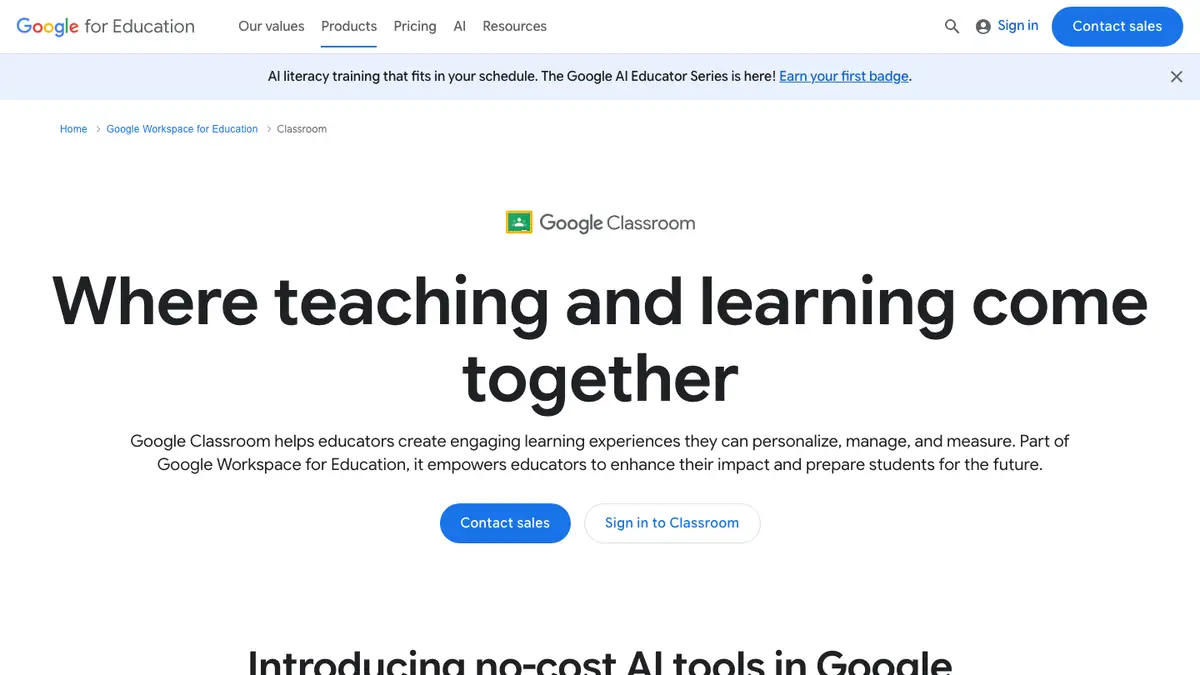
Google says Classroom add-ons require Google Workspace for Education Plus or the Teaching and Learning upgrade. An administrator can install an add-on for a domain, group, or organizational unit. A teacher can install one only when the administrator allows it. Teachers create add-on attachments in the web version of Classroom; learners can use them on web or mobile.
The add-on must be available to your organization before a teacher can select it. The Honen Marketplace listing is available for installation. Honen's Classroom guide describes opening that listing from LMS integration settings and then adding Honen in a Classroom assignment.
Attach a Honen course

- Create and publish the reviewed course in a Honen organization workspace.
- Have an administrator install or allow the Honen Classroom add-on.
- Open a class in Classroom and create an assignment.
- Choose Honen under Add-ons and select the course or supported activity.
- Assign it to a test learner and inspect the launch.
Google's teacher guide documents the Classwork and Add-ons flow. Honen's guide gives the product-specific steps. Sign in with the intended Google and Honen accounts when prompted.
Build and review with AI
Start from an approved lesson plan, policy, slides, or video. Honen can draft lessons and practice activities. The course-specific AI tutor helps learners ask questions about the material inside the attached learning experience. A teacher or subject expert must check the facts, answer keys, and tutor behavior before assigning the course.
Write short sentences in active voice. Use one term for one item and one action per instruction. Honen can help draft and review this controlled-language style, using practices from ASD-STE100. A qualified editor must check the approved dictionary, rules, and domain terms.
What Classroom receives
Google's add-on model supports content attachments and activity attachments. A supported graded activity can send earned points to Classroom. Google shows those points as a draft grade; the teacher reviews and publishes the grade. Honen scales its draft points to the Classroom assignment's positive point value. Do not expect grade passback from an ungraded material or announcement.
Honen keeps the detailed course activity and mastery view. A copied Classroom assignment should be tested in the destination class so that its attachment and learner submission point to the correct course.
Questions teams ask
Is this an LTI 1.3 integration?
No. Honen uses a native Google Classroom add-on for this path.
Can teachers add Honen without an administrator?
Only when the administrator permits individual installation. Google also requires an eligible Education edition.
Does a Honen grade publish automatically?
No. A supported graded activity can update draft points. The teacher reviews and publishes the grade in Classroom.
Can students open the attachment on a phone?
Google says learners can view and complete add-on attachments on the web or mobile. Teachers create and assign them on the web.
Do we need to upload a SCORM ZIP?
No. Choose Honen under Classroom Add-ons after installation. The add-on creates the attachment.
Related Google Classroom guides
- AI course creator for Google Classroom
- AI tutor for Google Classroom
- Set up the Honen Google Classroom add-on
- Choose an LMS integration path
Install the add-on for a test class first. Check the learner view and any draft grade before wider use.
Related guides
Build with Honen
Create a course from your source material. Review the content. Deliver it through your LMS.
Book a demo