AI tutor for D2L Brightspace courses
The tutor runs in the Honen course launched from Brightspace. Choose the path in Honen with D2L Brightspace, then test the learner view in your tenant.
Start with reviewed lessons
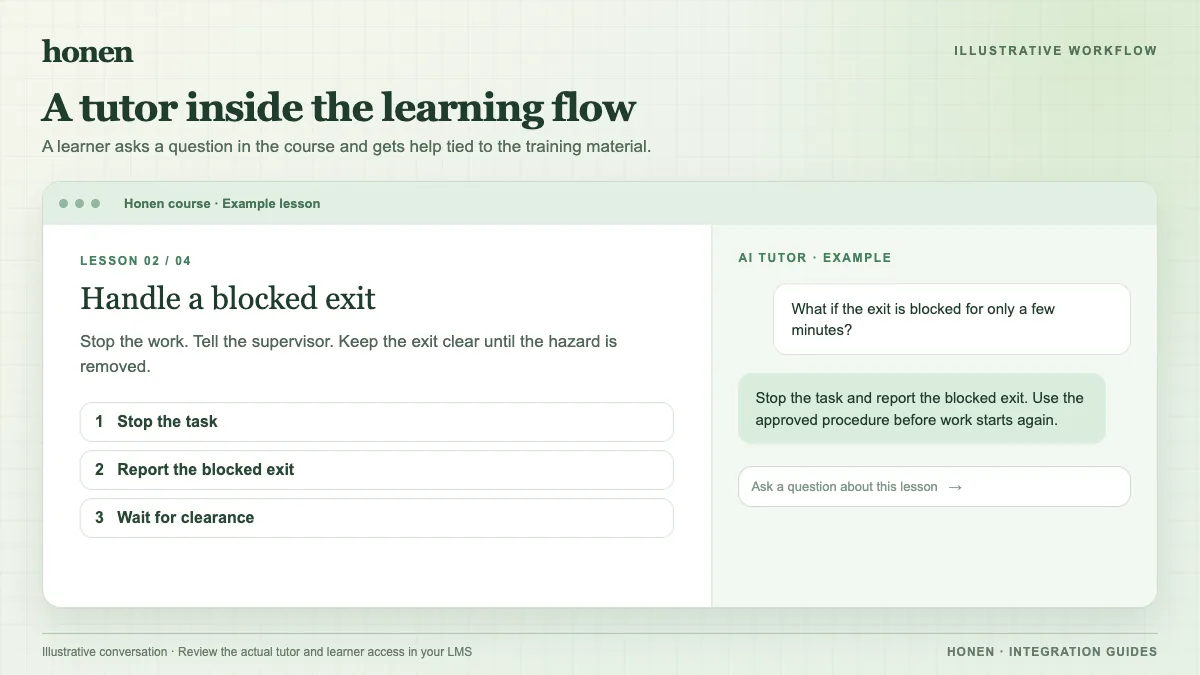
Give Honen current and approved course material. A learner might ask, “What should I inspect before I submit this form?” Test whether the tutor answer matches the approved procedure. Review the lessons and checks before you let learners use them.
Honen helps draft and review controlled-language content inspired by ASD-STE100. Write one action per step and use consistent terms. A qualified editor must check the approved dictionary, rules, and domain terms.
Launch from Brightspace
Brightspace supports LTI Advantage launch. An approved Honen link can open the course and tutor after the administrator registers and deploys it. The chosen link and browser determine whether the course appears embedded or in a new window.
You can also add Honen's SCORM package to Content. The package launches the same live Honen course. SCORM data returns through the browser while the course remains open.
Check the result
Use a learner account to test access, the tutor, completion, and any grade item. With LTI, AGS return needs the service and line item enabled. Honen posts supported completion or pass/fail results; its progress percentage is coarse. Keep the detailed course progress review in Honen.
Next step
See Honen with D2L Brightspace and how an AI tutor works in an existing LMS.
Related guides
Build with Honen
Create a course from your source material. Review the content. Deliver it through your LMS.
Book a demo