Blackboard Learn LTI 1.3 integration guide
An administrator can register Honen as an LTI 1.3 tool and place a course launch in Blackboard Learn. Start with the Honen and Blackboard Learn overview, then agree on the services and privacy settings your institution will allow.
Register and place the tool
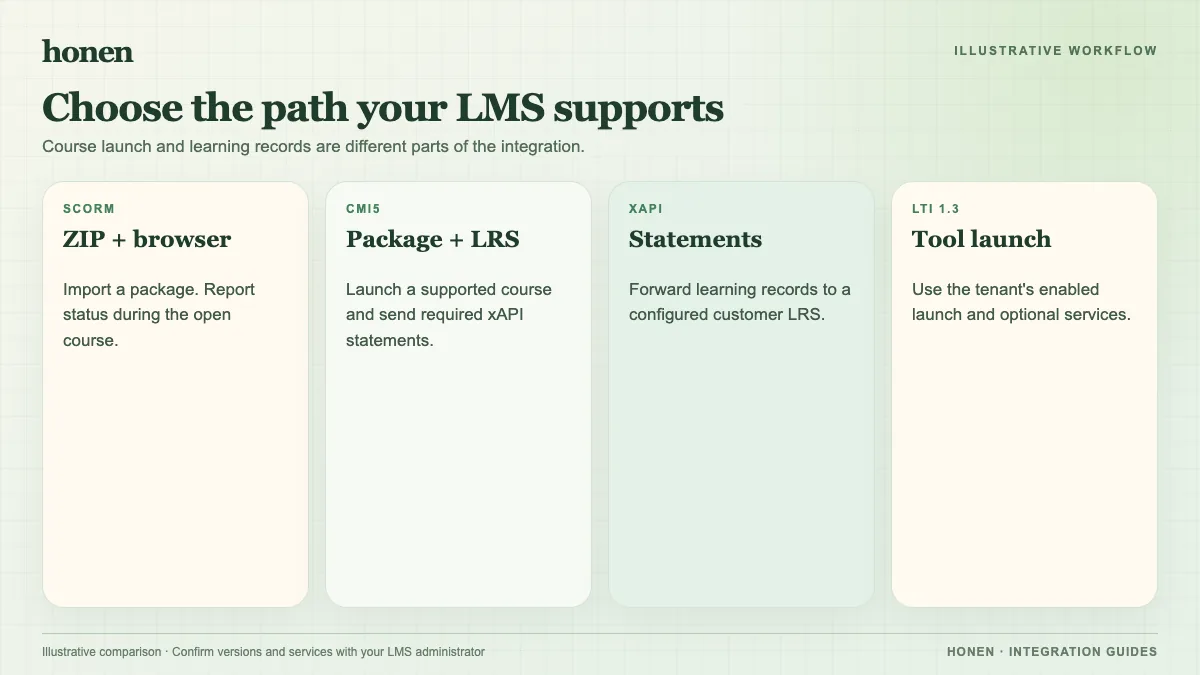
Blackboard's LTI setup guide directs an administrator to LTI Tool Providers and Register LTI 1.3/Advantage Tool, using the vendor's client or application ID. Coordinate the Honen registration values with the Honen workspace integration admin. Configure a Course content tool placement for a course launch. Use a Deep Linking content tool placement when instructors need to select Honen content during course setup. Blackboard can mark a course content placement as grading capable.
Test the exact placement. A registered tool does not prove that every placement, service, or browser launch works in your tenant. Honen's verified LTI launch can provision a learner and map the Blackboard course to a Honen group.
Decide what data moves
| Need | Required setup |
|---|---|
| Course launch | LTI 1.3 registration and a usable placement |
| Course or assignment selection | Compatible Deep Linking placement |
| Grade return | Grading permission, compatible AGS line item, and Honen result setting |
| Roster sync | Blackboard membership access and usable NRPS data |
Blackboard controls membership permission per tool. Honen can post completion or pass/fail to an AGS line item; its progress percentage is coarse, and a test-grade option has no per-course score wired. Validate the actual grade in Blackboard before release.
Prepare the content
Draft lessons in Honen. Have a qualified editor check facts, the approved dictionary, ASD-STE100 rules, and domain terms. Honen can help draft and review text inspired by ASD-STE100. Test a learner launch, tutor question, and result. If LTI services are unavailable, use Blackboard's SCORM package route when the SCORM Engine is enabled.
Next step
Return to Honen with Blackboard Learn, then compare SCORM and LTI delivery.
Related guides
Build with Honen
Create a course from your source material. Review the content. Deliver it through your LMS.
Book a demo