Honen for UKG Pro Learning: build and update workforce training
Honen helps teams draft, review, and update courses that learners open in UKG Pro Learning. Keep UKG Pro Learning for academies, assignments, and records. Add a Honen SCORM ZIP as a course lecture and test the learner result.
Use the UKG Learning course path
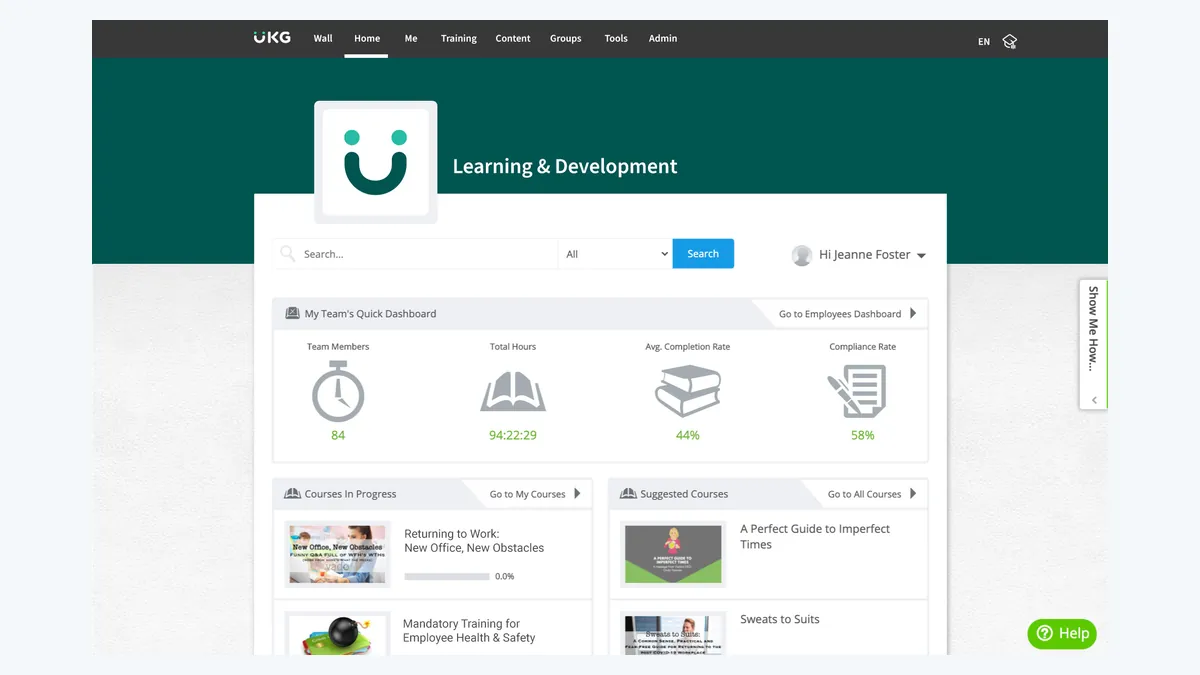
UKG's current SCORM Files Guide lists SCORM 1.2 and SCORM 2004 multiple editions. It also lists xAPI and cmi5, but this page uses SCORM. An older UKG Storyline 2 article says only SCORM 1.2. Because the public pages differ, confirm the SCORM version in your tenant before rollout.
UKG's course guide gives the upload path: Academy Workspace → Training Admin → Manage Training → Courses. Open a course, select Lectures, then Upload SCORM. Choose the ZIP and upload it. Test the lecture as a learner.
This page covers UKG Pro Learning. UKG Ready Learning is a distinct product; do not reuse this path for it.
Draft a clear course in Honen

Give Honen an approved procedure, slide deck, policy, or video. Name the task the worker must do. Have the owner check each rule, question, and tutor answer. For frontline training, test the stop condition and who handles an exception.
Write short sentences and use active verbs. Put one action in each instruction. Use one approved term for each concept. A qualified editor must check ASD-STE100 rules, the approved dictionary, and domain terms. Honen helps draft controlled language.
Update and check tracking
Honen's thin package loads current approved content when the learner opens it. A text correction can appear without another ZIP upload. Test tracking and navigation changes. A live package needs access to Honen's host.
The tutor runs in the launched course. SCORM completion, pass or fail, score, time, and resume data return only while the course is open. Check which results your UKG lecture and reports show. Separate Honen xAPI forwarding to your own LRS needs its own configuration.
Questions teams ask
Which SCORM version should I export?
The current UKG guide lists 1.2 and 2004. An older tool guide says 1.2 only. Confirm the tenant and test the package.
Where do I upload the package?
UKG documents Courses → Lectures → Upload SCORM from the Training Admin workspace.
Can I use the same steps in UKG Ready Learning?
No. UKG Ready Learning is a separate product with its own setup.
Does a text edit require another ZIP?
Approved Honen-hosted text can load through the existing package. Re-test structural changes.
Is the draft ASD-STE100 conformant?
A qualified editor must check the applicable rules and terms.
UKG Pro Learning guides
- AI course creator for UKG Pro Learning
- SCORM authoring for UKG Pro Learning
- How to upload SCORM to UKG Pro Learning
- Articulate and iSpring alternatives for UKG Pro Learning
Read what a live SCORM package is before you plan revisions.
Related guides
Build with Honen
Create a course from your source material. Review the content. Deliver it through your LMS.
Book a demo