Thought Industries SCORM analytics for Honen courses
Use Thought Industries to confirm a customer's course result and Honen to inspect activity inside the lesson. The available Thought Industries report depends on how you place the SCORM file. See Honen for Thought Industries for the two placement options.
Know what the container reports
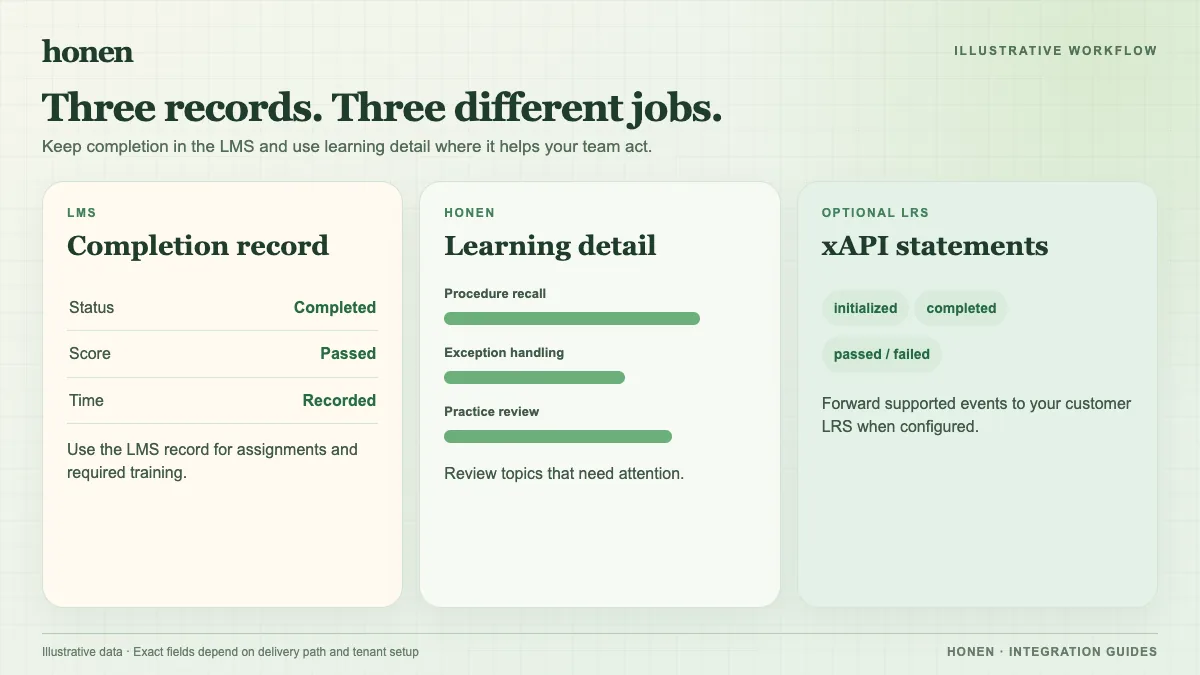
Thought Industries says a standalone SCORM item lacks native course measures such as course time and views. A SCORM page inside a native course can use those course reports. Its Reporting → SCORM tab shows learner and page status. An admin can select a page for detail and download a CSV. Pass or fail and question responses appear only when the package sends suitable data.
Thought Industries also notes that some interaction types lack standard SCORM detail. A drag-and-drop answer, for example, might arrive as a generic choice. Readable interaction descriptions help admins interpret the record. Do not promise a question-level view before you inspect a real package report.
Compare three checks
- Launch the Honen package as a test customer.
- Finish an activity and leave the course open until its final SCORM write.
- Check the Thought Industries status, score, and any interaction detail.
- Compare that result with Honen's lesson activity and the expected customer outcome.
If many customers miss the same setup task, revise the approved source and lesson. Write short active sentences and one term per product control. A qualified editor must check ASD-STE100 rules, the approved dictionary, and domain terms. Analytics and AI drafting do not certify controlled-language conformity. Separate xAPI forwarding to your own LRS needs its own endpoint and validation.
Return to Honen for Thought Industries or read SCORM, cmi5, xAPI, and LTI explained.
Related guides
Build with Honen
Create a course from your source material. Review the content. Deliver it through your LMS.
Book a demo