How Honen works with Schoox
Create a course in Honen from approved job procedures. Review it, export a SCORM ZIP, and add it as a lecture in Schoox. Schoox supports SCORM 1.2 and multiple SCORM 2004 editions.
Choose the delivery record
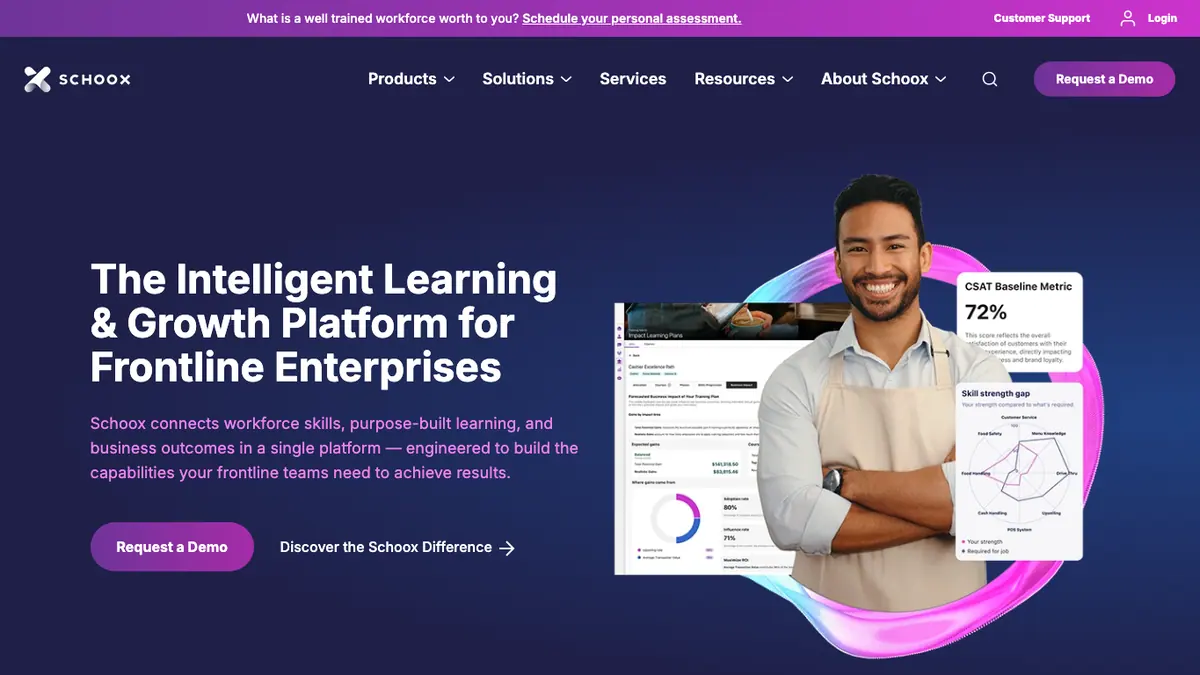
Use Schoox to assign the course and record completion. Add the Honen package through the course's Edit Lectures area; Schoox documents an Upload Scorm choice there. Schoox can also place the file in a library, but a SCORM ZIP is not supported as supplemental course material. Start with the upload guide.
A Honen thin live package loads approved content on a new launch. Test hosted launch, browser permissions, resume, and completion in your Schoox academy before relying on updates without a new upload. SCORM sends progress while the browser course is open. Schoox says learners should use Close and Exit to save progress, especially on mobile.
Keep frontline instructions controlled

For a closing shift, use the current checklist, site exceptions, and escalation contact. Ask Honen to draft one action per step. Check every hazard, number, and answer. Honen can help draft and review controlled language. A qualified editor must check approved terms, ASD-STE100 rules, and domain words.
Plan the course
Read the AI course creator guide, the SCORM upload guide, and the compliance content guide. For package behavior, see what a live SCORM package does.
Questions teams ask
Which SCORM formats does Schoox accept?
Schoox lists SCORM 1.2 and multiple SCORM 2004 editions. Choose the Honen export your academy has tested; see the upload guide.
Where does a Honen package go in Schoox?
Add it as a course lecture through Edit Lectures > Upload Scorm, as Schoox documents. A SCORM ZIP is not a supplemental material.
Why might mobile progress be missing?
Schoox advises learners to use Close and Exit. Test the same phone and app path your workers use. SCORM reports during the open course session.
Does a Schoox completion prove compliance?
Check the curriculum and certificate rule. Schoox treats active certificates or current 100% progress differently. See the compliance content guide.
Related guides
Build with Honen
Create a course from your source material. Review the content. Deliver it through your LMS.
Book a demo