Honen for Sana Learn: import a reviewed course
Honen can help draft, review, and update a course that learners open in Sana Learn. Keep Sana for assignment and records. Import a Honen SCORM ZIP into Sana, then test launch and completion with a learner account.
Use Sana's SCORM import
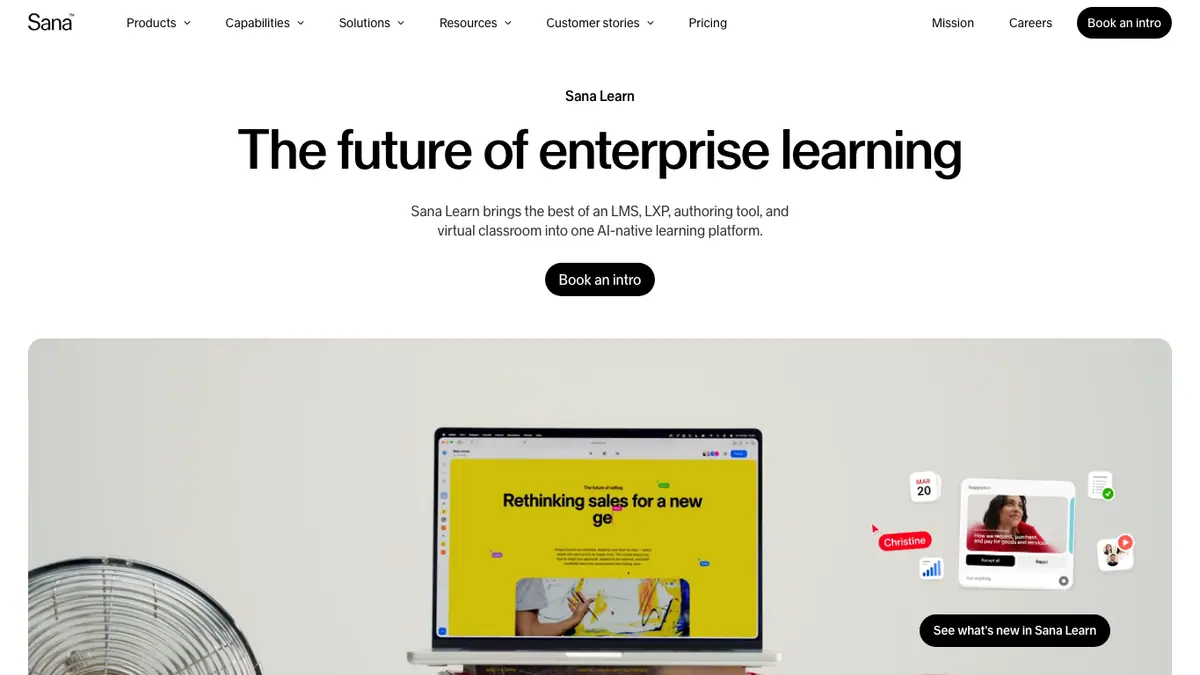
Sana accepts SCORM 1.2 and SCORM 2004 ZIP files. In Sana, go to Manage → Content → Import → SCORM and upload the ZIP. The course appears in Manage, where you can invite learners. Sana says direct-link imports require learners to mark completion manually, while SCORM imports can record completion automatically.
Sana also has native AI course generation from files and its own live SCORM connector for exporting Sana courses to another LMS. Honen's live package is one option for authoring outside Sana. Do not claim live packages are unique to Honen. Compare the two workflows with your actual source, learner, and revision process.
Review the content

Give Honen a current policy, procedure, slide deck, or video. Have the source owner check lesson facts, questions, and tutor replies. Test an exception that the source does not answer.
Write short sentences. Use active verbs and one approved term for each concept. Put one action in each instruction. A qualified editor must check ASD-STE100 rules, the approved dictionary, and domain terms.
Update and track carefully
Honen's thin package loads current approved content on launch. A hosted text correction can appear without another ZIP upload. Sana's own Update SCORM package control is a separate path and may need an account flag. Sana warns that a major package update with a changed item identifier can remove saved progress, although completed status remains. Test the update with an in-progress learner before release.
SCORM completion, pass or fail, score, time, and resume data return only while the course is open. Check the result in Sana. Separate Honen xAPI forwarding to another LRS needs its own setup.
Questions teams ask
Which SCORM versions can Sana import?
Sana documents SCORM 1.2 and 2004 ZIP imports.
Does Sana already have AI authoring?
Yes. Sana can generate course content from uploaded files. Compare its native course with a Honen-hosted course.
Does Sana offer live SCORM packages?
Yes. Sana's SCORM connector can export a live course to another LMS. It is separate from importing Honen content into Sana.
What happens after a major package update?
Sana says a changed item identifier can remove saved progress. Test how your learner records behave.
Is the draft ASD-STE100 conformant?
A qualified editor must check all applicable rules and approved terms.
Sana guides
- AI course creator for Sana
- SCORM authoring for Sana
- How to upload SCORM to Sana
- Articulate and iSpring alternatives for Sana
Read what a live SCORM package is to plan revisions.
Related guides
Build with Honen
Create a course from your source material. Review the content. Deliver it through your LMS.
Book a demo