How Honen works with SafetyCulture Training
SafetyCulture now calls its Training experience Mitti (by SafetyCulture). Build and review a course in Honen, then import its SCORM package as a lesson slide in Mitti. Mitti documents the SCORM slide path. This page covers that product, not the separate SC Training (formerly EdApp) site.
Know the import limits
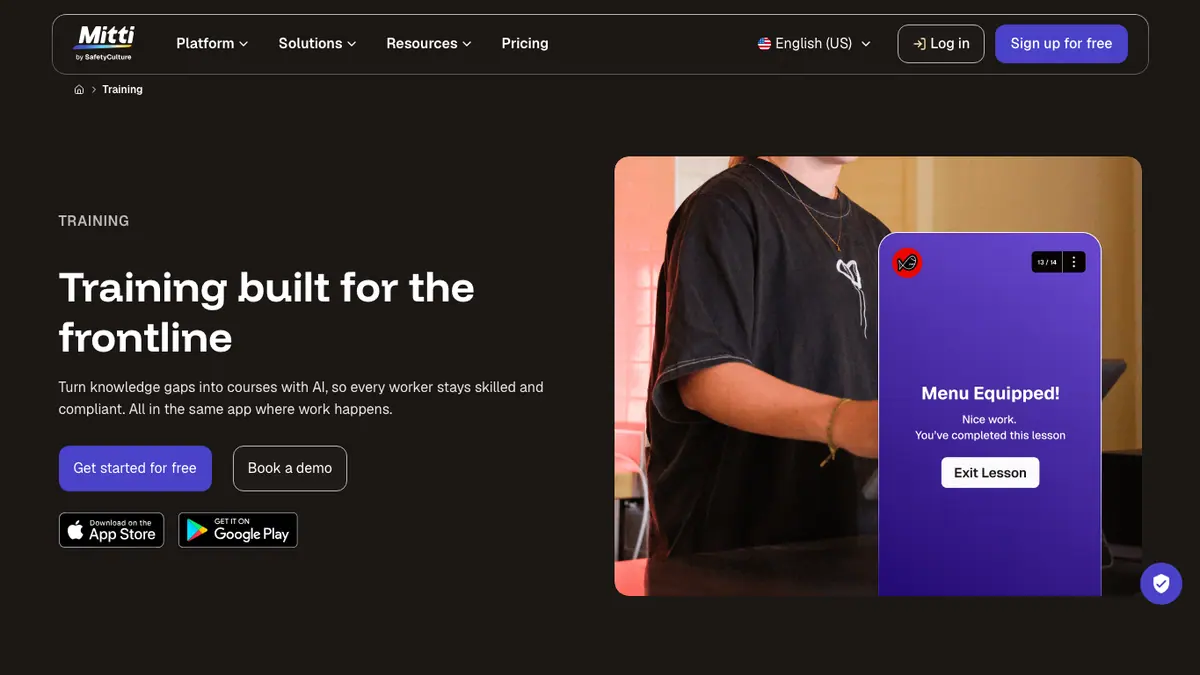
Mitti requires a Premium or Enterprise plan, the web app, course-create permission, and an eligible seat for this import. A SCORM slide's score does not add to the Mitti course score. The slide performance dashboard does not apply to SCORM slides. Test any completion behavior in your tenant. Start with the SCORM import guide.
Mitti recommends native slides for the best mobile experience. A Honen thin package needs a hosted launch test on the devices your workers use. Do not assume offline access to externally hosted content. SCORM reports while the course is open.
Review the work instruction

For a machine inspection, give Honen the approved checklist and photo of the control. Draft short, active steps. Have an owner verify every warning and hold point. Honen can help draft and review controlled language. A qualified editor must check approved words, ASD-STE100 rules, and domain terms.
Read the AI course creator guide, the SCORM import guide, and the compliance content guide. For package behavior, see live SCORM basics.
Questions teams ask
Is SafetyCulture Training now called Mitti?
The current training page calls the product Mitti (by SafetyCulture). This guide covers that Training feature.
Where does the Honen SCORM ZIP go?
Mitti imports SCORM as a lesson slide, under New slide > Advanced > SCORM. Follow the import guide.
Does a SCORM score count in the Mitti course score?
No. Mitti says SCORM slide scores do not count toward course scoring. Use a native question if the course needs a recorded pass mark.
Will a hosted Honen lesson work offline?
Do not assume it will. Mitti warns that SCORM can be less suitable for mobile. Test the hosted package on worker devices and use the AI course guide to compare native authoring.
Related guides
Build with Honen
Create a course from your source material. Review the content. Deliver it through your LMS.
Book a demo