How to upload a SCORM package to Open edX Studio
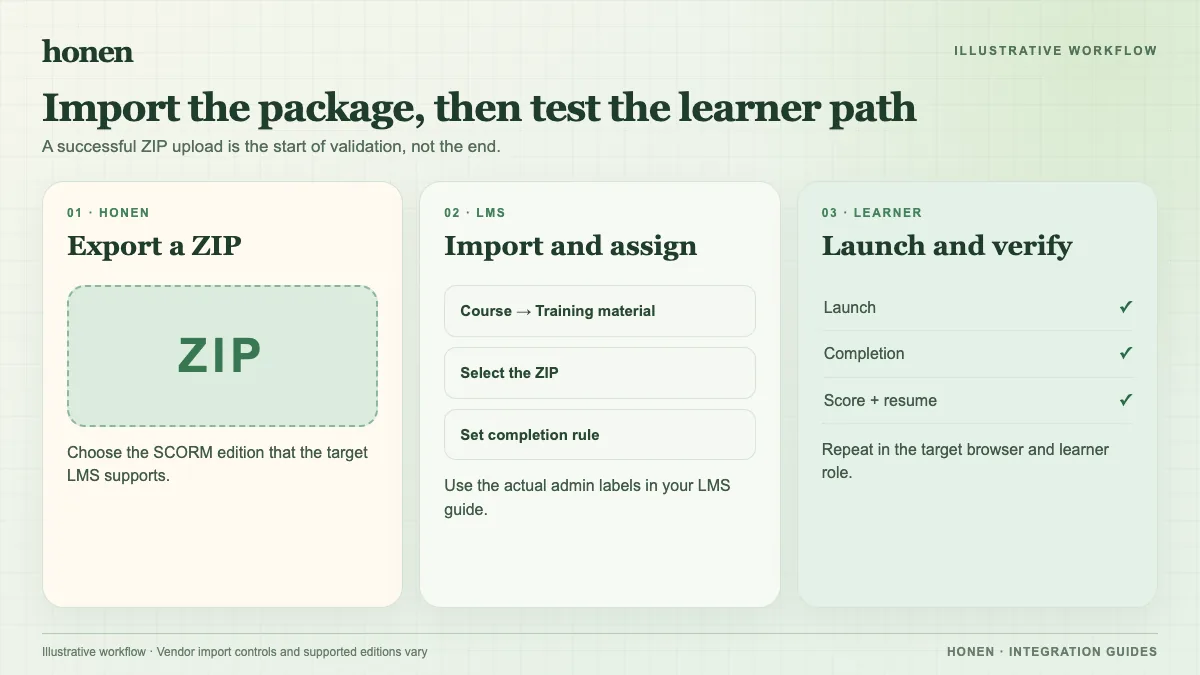
Open edX needs its SCORM XBlock before Studio can accept the package. Export a Honen ZIP from Honen with Open edX, then add one SCORM component to a unit.
SCORM support alone does not verify Honen's hosted launcher in Open edX. Test the exact ZIP, learner launch, and result in your site before rollout.
Enable SCORM first
Ask the site operator whether the SCORM XBlock is installed and available. In Studio's Advanced Settings, add "scorm" to the Advanced Module List. Open edX documents this prerequisite. Its XBlock supports SCORM 1.2 and 2004, and allows only one SCORM component per unit.
Add the package to a unit
- Open the target unit in Studio.
- Select Advanced, then Scorm module.
- Edit the new component and upload the Honen SCORM ZIP.
- Set Scored to False if the package has no quiz.
- If Scored is True, set the quiz point weight.
- Save and publish the unit.
These steps follow the Open edX SCORM guide. The XBlock can save learner state and report scores to the course progress tab. Check that its completion and score behavior matches your exported package.
Test in the learner LMS
Launch the published unit as a learner. Use the tutor and complete a sample activity. Check resume, completion, pass/fail, score, and time while the package stays open. SCORM reports through the browser. Honen's thin ZIP loads current course content after an edit, but package setting changes require a new export.
Honen helps draft controlled language. A qualified editor must check the draft against the approved dictionary, ASD-STE100 rules, and domain terms.
Next step
Related guides
Build with Honen
Create a course from your source material. Review the content. Deliver it through your LMS.
Book a demo