Open edX LTI 1.3 integration guide
Add an LTI Consumer component to a Studio unit, exchange platform and tool values with Honen, then publish and test the unit. Read Honen with Open edX for the course delivery overview.
Configure both systems
Open edX's LTI 1.3 guide starts in a Studio unit: Advanced → LTI Consumer. If the component is absent, add "lti_consumer" to the Advanced Module List. Enter the Honen launch, login, redirect, and keyset values supplied to the workspace integration admin. After you save, Studio provides the Open edX client ID, deployment ID, keyset URL, access token URL, and login URL for Honen registration. The issuer is the Open edX LMS origin, not the Studio authoring origin.
Set the component's display name, privacy options, and Open tool in mode. The guide lists Inline, Modal, and New Window. Share personal data only if the site operator permits it and the course needs it.
Select LTI services
Open edX documents AGS, Deep Linking, and NRPS. Each needs compatible Honen setup and component permission.
| Service | Open edX check |
|---|---|
| Deep Linking | Enable it, save the XBlock, then use Deep Linking Launch - Configure tool in Studio |
| AGS | Mark the activity Graded; use a graded subsection if its score must affect the course grade |
| NRPS | Check course membership access; default availability is limited to courses with up to 1000 active enrollments |
Honen can post completion or pass/fail through a compatible AGS line item. Its progress percentage is coarse, and its test-grade option lacks a per-course score. Test the actual Open edX result.
Publish and review
Publish the unit before launch. Open edX says an LTI 1.3 launch runs from the learner LMS, not Studio preview. Test as a learner and, if needed, staff. Review the tutor, role mapping, selected content, and grade. A qualified editor must check Honen's ASD-STE100-inspired controlled-language draft against the approved dictionary, rules, and domain terms. If LTI is unsuitable, use the SCORM XBlock route where enabled.
Next step
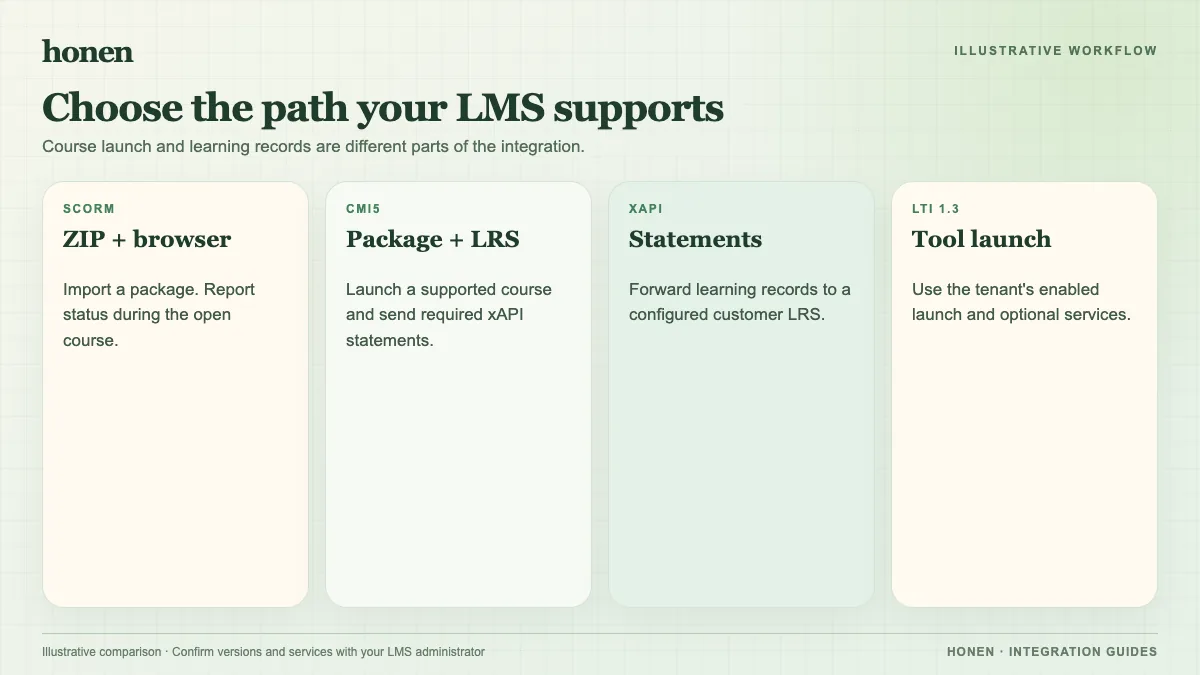
Return to Honen with Open edX and compare SCORM and LTI delivery.
Related guides
Build with Honen
Create a course from your source material. Review the content. Deliver it through your LMS.
Book a demo