Honen for LearnWorlds customer training
Honen helps teams draft and review a course that learners open in LearnWorlds. Keep LearnWorlds for course access, sales, and records. Export a Honen SCORM ZIP, choose the LearnWorlds activity that matches your reporting goal, and test it before release.
SCORM support alone does not verify Honen's hosted launcher in LearnWorlds. Test the exact ZIP, learner launch, and result in your site before rollout.
Choose SCORM or Graded SCORM
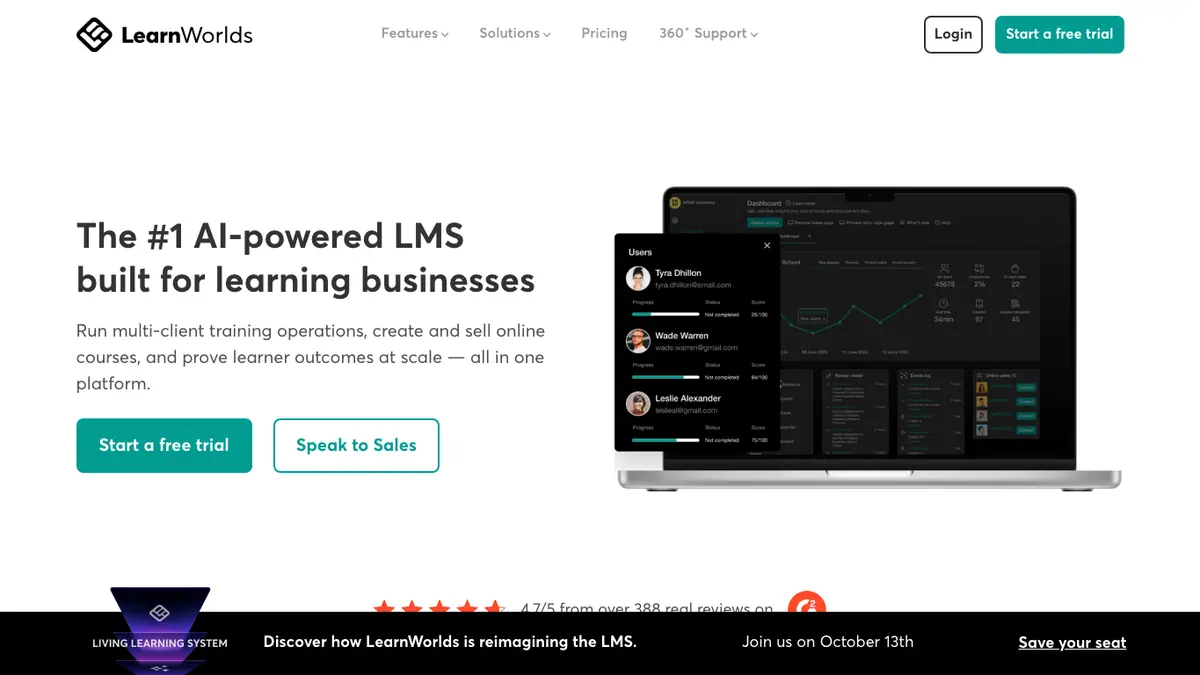
LearnWorlds accepts SCORM 1.2 and SCORM 2004 3rd and 4th editions. Its SCORM/HTML5 Package activity can use package completion rules and student time. Its Graded SCORM activity is the route for score or pass/fail values in the Gradebook. LearnWorlds lists a 400 MB limit per SCORM file and plan-specific counts. Check your plan and the package's reporting fields before you promise a score report.
LearnWorlds tracks overall SCORM package completion, not each sub-module inside it. Make the customer task clear at the course level. If a team needs question-level analysis, check what Honen records and what LearnWorlds actually displays instead of assuming detailed SCORM data appears in the Gradebook.
Review the content

Give Honen an approved product guide, policy, or demonstration. Have the source owner check product terms, steps, examples, and tutor replies. Write short active sentences. Put one action in each instruction and one approved term on each feature. A qualified editor must check ASD-STE100 rules, the approved dictionary, and domain terms. Honen can help draft controlled language.
Plan update and reporting tests
Honen's live package loads current approved content on launch, so a hosted text correction can appear without another ZIP upload. A live course needs access to Honen's host. If you replace the SCORM ZIP in LearnWorlds, the vendor says learner progress can reset. For Graded SCORM, an admin chooses how to handle Gradebook scores. Test that choice with an in-progress and completed learner.
SCORM writes completion, pass or fail, score, time, and resume data while the course is open. LearnWorlds Reports Center can show course progress and user segments, subject to plan features. Separate xAPI forwarding to your own LRS needs its own setup and validation.
Questions teams ask
Which SCORM versions does LearnWorlds accept?
LearnWorlds lists SCORM 1.2 and 2004 3rd and 4th editions.
Which activity sends a Gradebook score?
Use Graded SCORM with a package that sends a score or pass/fail value. Check plan availability.
Does LearnWorlds show each SCORM sub-module?
No. Its help article says it tracks the whole package, rather than internal sub-modules.
Will replacing a ZIP retain progress?
LearnWorlds warns that replacement can reset progress. For graded packages, test the score choice and revisit behavior.
LearnWorlds guides
- AI course creation for LearnWorlds
- SCORM authoring for LearnWorlds
- LearnWorlds learning analytics with Honen
Read what a live SCORM package is before you plan a course update.
Related guides
Build with Honen
Create a course from your source material. Review the content. Deliver it through your LMS.
Book a demo