LearnWorlds SCORM analytics for Honen courses
Use LearnWorlds to confirm a customer's course result and Honen to inspect activity within the lesson. The SCORM activity type controls which result reaches LearnWorlds. See Honen for LearnWorlds before setting a reporting promise.
Distinguish completion from a grade
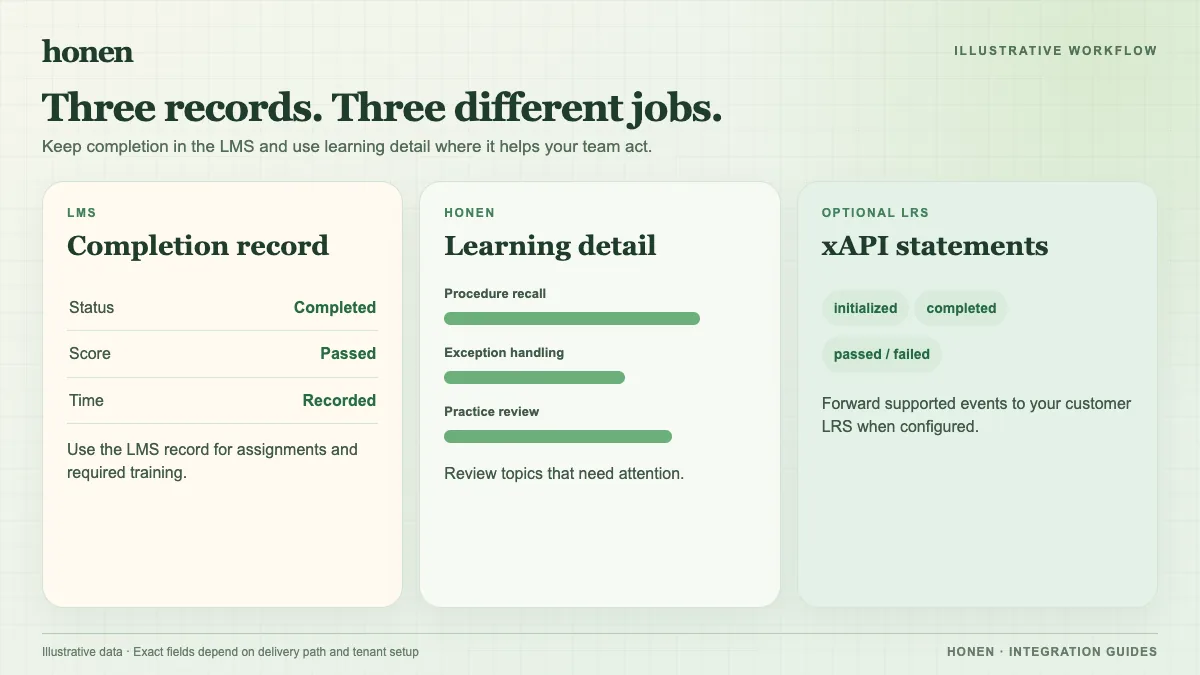
The regular SCORM/HTML5 Package activity can use SCORM completion rules and record time when the package provides the needed data. Graded SCORM can collect score or pass/fail for the Gradebook. LearnWorlds says the Gradebook shows the final value, not a question-by-question breakdown. It also tracks completion for the whole SCORM package rather than its internal sub-modules.
The Reports Center offers user progress filters, exports, and segments with plan-dependent options. Use it to find customers who have not finished onboarding. Use Honen activity to find a confusing step among those who started. Do not read a course enrollment as proof that the customer understood the lesson.
Test the full reporting path
- Launch a test learner into the Honen package.
- Complete one activity and check pause and resume.
- Finish the lesson and keep it open until the final SCORM write.
- Confirm completion or Gradebook score in LearnWorlds.
- Compare the result with Honen's activity view.
If you replace a LearnWorlds ZIP, revisit the report after testing progress reset and Gradebook score choices. Write revised instructions in short active sentences with one term per product feature. A qualified editor must check ASD-STE100 rules, the approved dictionary, and domain terms. Separate xAPI forwarding to your own LRS needs its own test.
Return to Honen for LearnWorlds or read SCORM, cmi5, xAPI, and LTI explained.
Related guides
Build with Honen
Create a course from your source material. Review the content. Deliver it through your LMS.
Book a demo