Docebo LTI 1.3 integration guide: plan a basic tool launch
Docebo supports basic LTI 1.3 training material. Honen supports LTI 1.3 launches, but the usable services depend on what the Docebo tenant exposes. Confirm the registration and a test launch before you rely on this path. See Honen for Docebo for the SCORM option too.
Know the Docebo scope
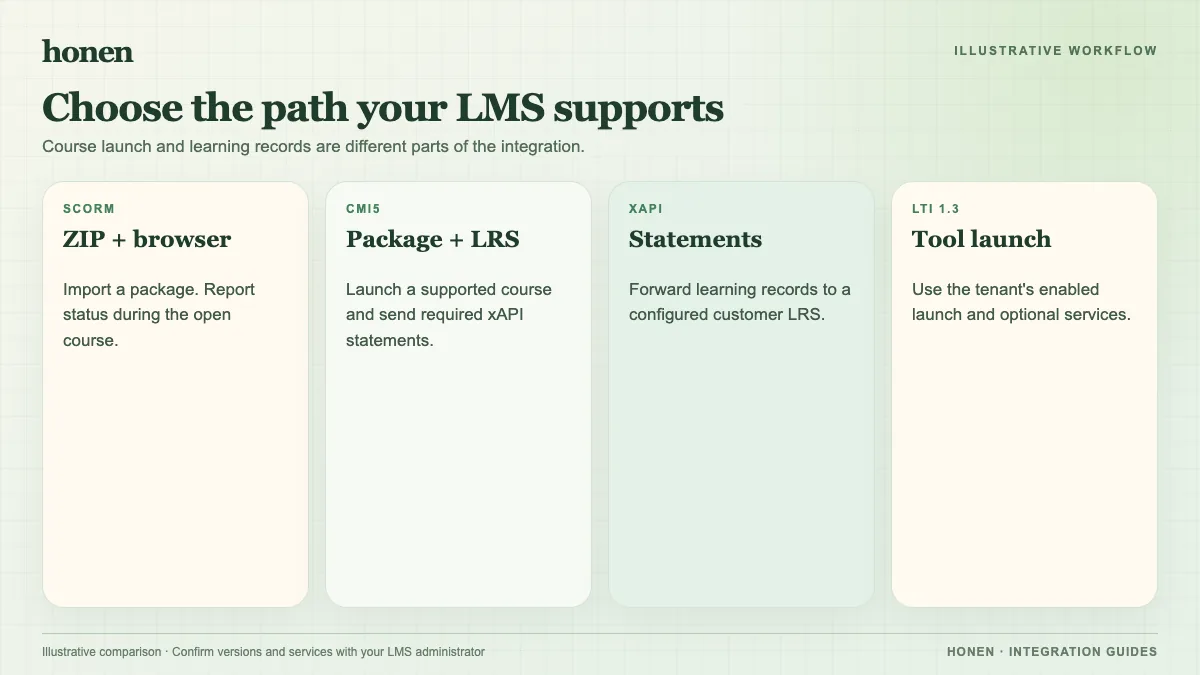
Docebo's current LTI guide says LTI 1.3 content is basic and Deep Linking is not supported. Do not plan to select a Honen course through a Docebo Deep Linking picker. Docebo documents inline, theater, stand-alone, and new-window views. Choose one and test it in the browsers your learners use.
Docebo documents two completion choices for LTI 1.3: mark the material complete when opened, or wait for a score from the tool and apply a minimum score. A score-based rule needs a working score service in the exact tenant. Do not assume roster or group sync, Deep Linking, or every LTI Advantage service is available.
Set up a test launch
- Ask the Docebo administrator for the tenant's LTI 1.3 platform details and allowed tool settings.
- Configure the matching Honen LTI 1.3 registration. Use HTTPS URLs and the domain that learners will use.
- In Docebo, create LTI 1.3 training material in the Training materials page. Enter the details from the Honen tool configuration.
- Assign the material to a test course.
- Launch as a test learner. Check the view mode, account access, and completion rule.
Docebo's guide describes platform fields and tool settings in the LTI content configuration. Use the values shown by the live products. Do not copy example keys or URLs from an article into production.
Decide whether to use a score
If you select score-based completion, verify that Docebo exposes the required score path and that Honen has permission to use it. LTI score return can be server-to-server when the platform supports the needed service. Docebo's help page describes receiving a score, but it does not promise every LTI Advantage service. If the service is absent, use an appropriate completion choice or the tested SCORM route.
Review course language
Use short, active instructions in the Honen course. Use approved terms. A qualified editor must check any ASD-STE100 rules and dictionary. Honen helps draft controlled language.
Compare SCORM, cmi5, xAPI, and LTI. Return to Honen for Docebo to choose the delivery path.
Related guides
Build with Honen
Create a course from your source material. Review the content. Deliver it through your LMS.
Book a demo