How to upload SCORM to Dayforce Learning
In New Dayforce Learning, create a course from a SCORM ZIP or add the ZIP as a page in a built course. The Honen and Dayforce Learning integration explains how a Honen package fits.
Check the ZIP
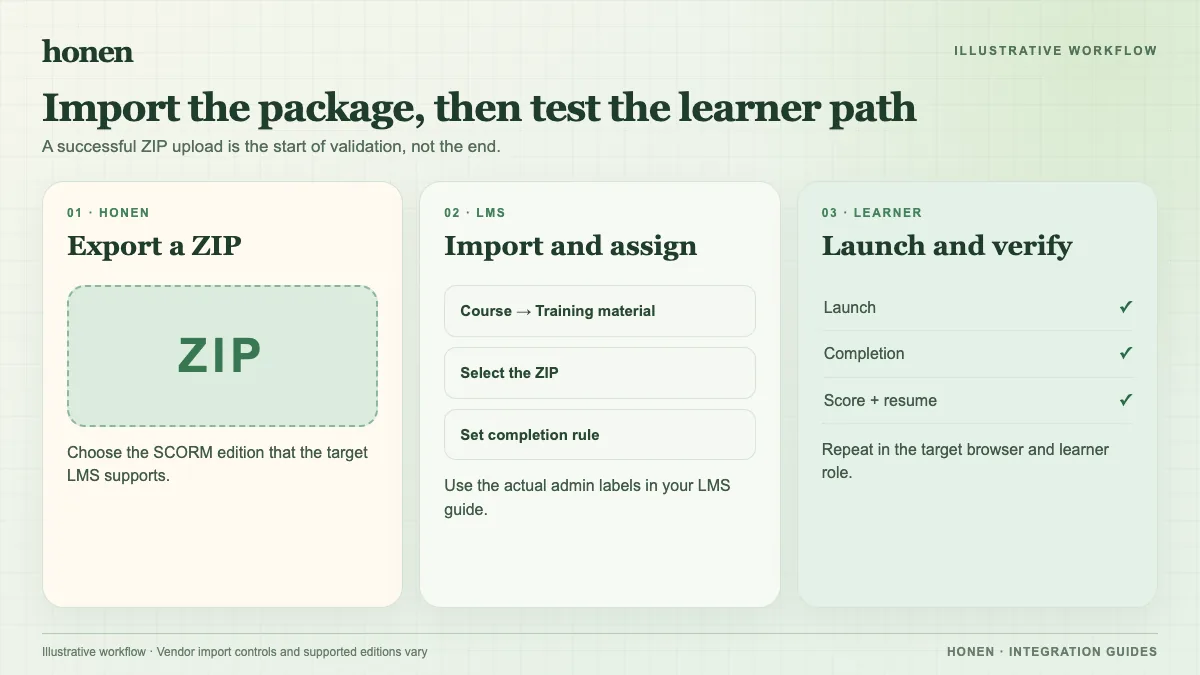
Dayforce accepts SCORM 1.2 and 2004. Its current guide prefers 2004 and limits SCORM ZIPs to 1 GB. Keep imsmanifest.xml in the package. Do not extract the ZIP for upload.
Upload a new SCORM course
- Open Dayforce Learning and select the Admin tab.
- In the Learning side panel, select Courses.
- Select New > Upload SCORM or AICC package.
- Enter a title, duration, cover image, and description.
- Enable Include in quiz reporting if your reporting plan needs learner quiz data.
- Upload or drag the ZIP into the package section.
- Add topics, skills, or course settings as needed.
These steps come from Dayforce's current upload guide. A course built from pages can instead use Add page > SCORM or AICC package. Classic Learning has a different interface; use your tenant's guide.
Test tracking
Launch as a learner and finish the package. Check completion, pass/fail, score, time, resume, and any requested quiz report. If you use Honen's live package, change approved content and relaunch to verify the new version loads in your tenant. SCORM reports while the browser course is open.
Write course instructions in short, active steps. Honen helps draft and review, but a qualified editor must check the approved dictionary, ASD-STE100 rules, and domain terms. The tool does not certify conformance.
Next step
Return to Honen with Dayforce Learning or read what a live SCORM package does.
Related guides
Build with Honen
Create a course from your source material. Review the content. Deliver it through your LMS.
Book a demo