How to upload a SCORM package to Absorb LMS
Import a SCORM ZIP as a new Absorb online course, or add it as a learning object in an existing course. Absorb accepts SCORM 1.2 and 2004. For Honen's delivery routes, read Honen with Absorb LMS.
Check the file first
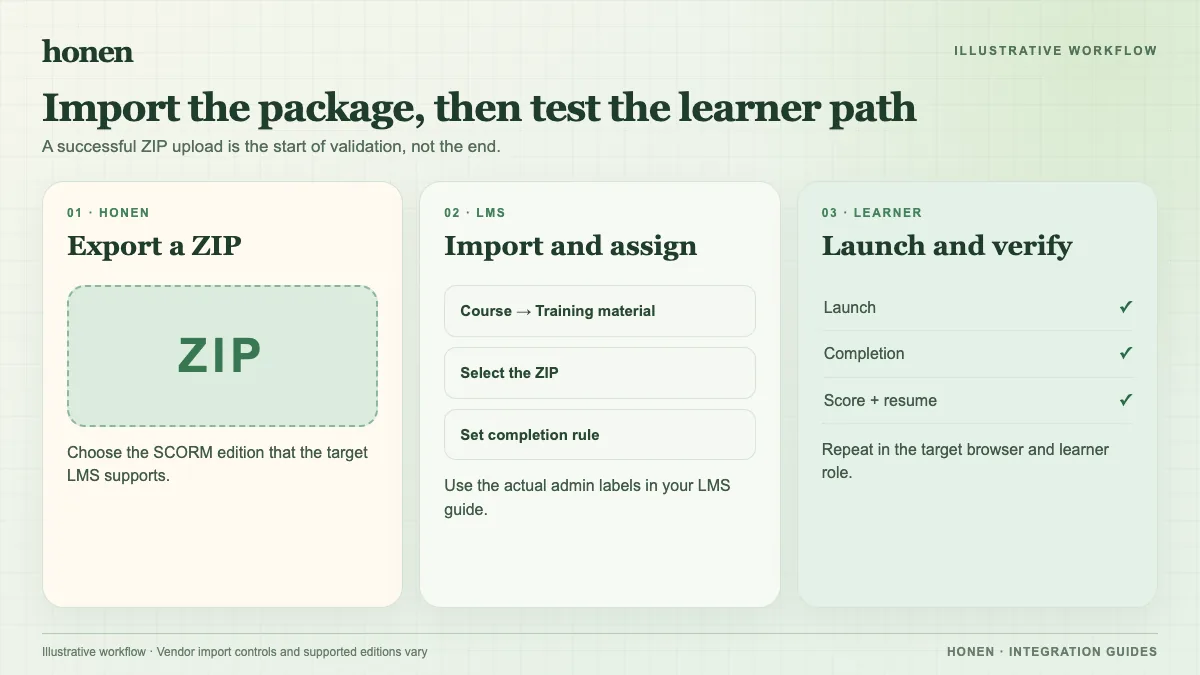
Keep the package as a ZIP. Confirm that imsmanifest.xml is at the package root and that the ZIP is not inside another ZIP. Select the same SCORM version in Absorb that the authoring tool used. Absorb does not support multi-SCO packages or external content URLs inside SCORM packages. It does not officially support general dispatch packages, so a thin live package needs a portal test before release.
Import a new course
- In the Absorb Admin Interface, open Courses > Courses.
- In Actions, select Import Course.
- Choose SCORM 1.2 or SCORM 2004 to match the ZIP.
- Choose the file and select Import.
- Open the resulting online course and review its learning object.
These labels follow Absorb's third-party course instructions. If you already have an online course, edit it, open Syllabus, select Add Learning Object, choose the format, and upload the ZIP there.
Set launch and assessment behavior
Absorb offers modal, pop-up, and new-tab launch options for a learning object. Test the option that suits the package. If the lesson contains an assessment and you need its answers in Absorb's report, enable Lesson Contains Assessment before learners submit answers. Absorb says earlier SCORM answers are not added retroactively when this setting changes.
Test before assignment
Launch as a learner. Check completion, pass/fail, score, time, and resume. If you test a Honen live package, also change approved content in Honen and relaunch. A successful upload alone does not prove that a thin package launches or reports correctly in Absorb. SCORM sends results through the open browser session.
For the course text, use short, active sentences and one action per step. Honen helps draft and review controlled language; a qualified editor must check the approved dictionary, ASD-STE100 rules, and domain terms. No automatic conformance score is implied.
Next step
Return to Honen with Absorb LMS or read what a live SCORM package does.
Related guides
Build with Honen
Create a course from your source material. Review the content. Deliver it through your LMS.
Book a demo