Absorb LMS LTI 1.3 integration guide for Honen
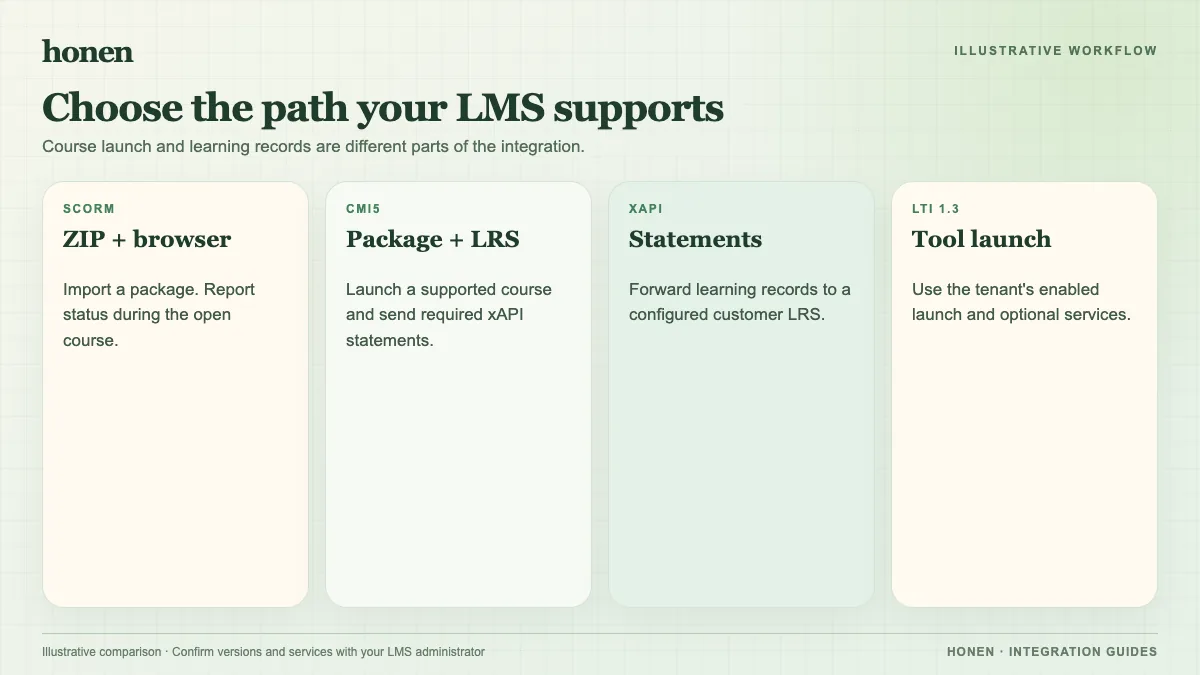
Absorb LMS can launch an LTI 1.3 external tool as course content. Register Honen with the details for your Honen deployment, then test learner launch and grade return. The Honen and Absorb LMS overview compares LTI with SCORM.
Check supported services
Absorb lists Core LTI 1.3, Assignment and Grade Services, and Deep Linking. Core provides a secure launch. AGS can return grade and completion data. Deep Linking can let an administrator select course content. Absorb's list does not establish Names and Role Provisioning. Do not promise automatic roster, role, or group sync from this path without a verified configuration.
Absorb says the administrator and learners must have accounts at the LTI provider with the same email address as their Absorb accounts. Confirm Honen's account setup before assignment. A separate login may still be needed if the account match or launch setup fails.
Register the tool
- Get the launch URL, login URL, public key URL, redirect URL, and other registration values from your Honen deployment.
- In the Absorb Admin Experience, open Client Settings > LTI Registration. If the tile is missing, ask Absorb Support for help.
- Select Manage, then Add LTI Tool.
- Enter the values that Honen supplies. Do not copy the example values for another provider from Absorb's help article.
- Save the registration and add the LTI course content under your portal's course process.
- Test with an administrator and a learner. Check launch, display, account matching, completion, and grade return.
These Absorb labels come from its LTI Consumer Mode guide. The exact exchange of identifiers depends on the tool provider. A vendor-specific Honen registration sheet is required for production setup.
Use SCORM when the tool service is not needed
Absorb also accepts SCORM 1.2 and 2004. A SCORM package is suitable when you want a packaged learning object and can confirm launch and reporting. Honen's thin package may behave like dispatch content, which Absorb does not officially support. Test it in your portal. SCORM reports through the open browser session; enabled LTI AGS can return grades server-to-server.
Keep course instructions short and active. Use one action per step and consistent terms. Honen helps draft and review controlled language; a qualified editor must check the approved dictionary, ASD-STE100 rules, and domain terms.
Next step
Return to Honen with Absorb LMS and compare formats in the LMS integration chooser.
Related guides
Build with Honen
Create a course from your source material. Review the content. Deliver it through your LMS.
Book a demo