How to import a Honen SCORM ZIP in MasterStudy LMS
Enable MasterStudy's Pro SCORM add-on and import the ZIP in Course Builder as one full course. Use a new pilot course because an import into a course with lessons deletes those lessons. See Honen with MasterStudy for the delivery limits.
SCORM support alone does not verify Honen's hosted launcher in MasterStudy. Test the exact ZIP, learner launch, and result in your site before rollout.
Enable the add-on
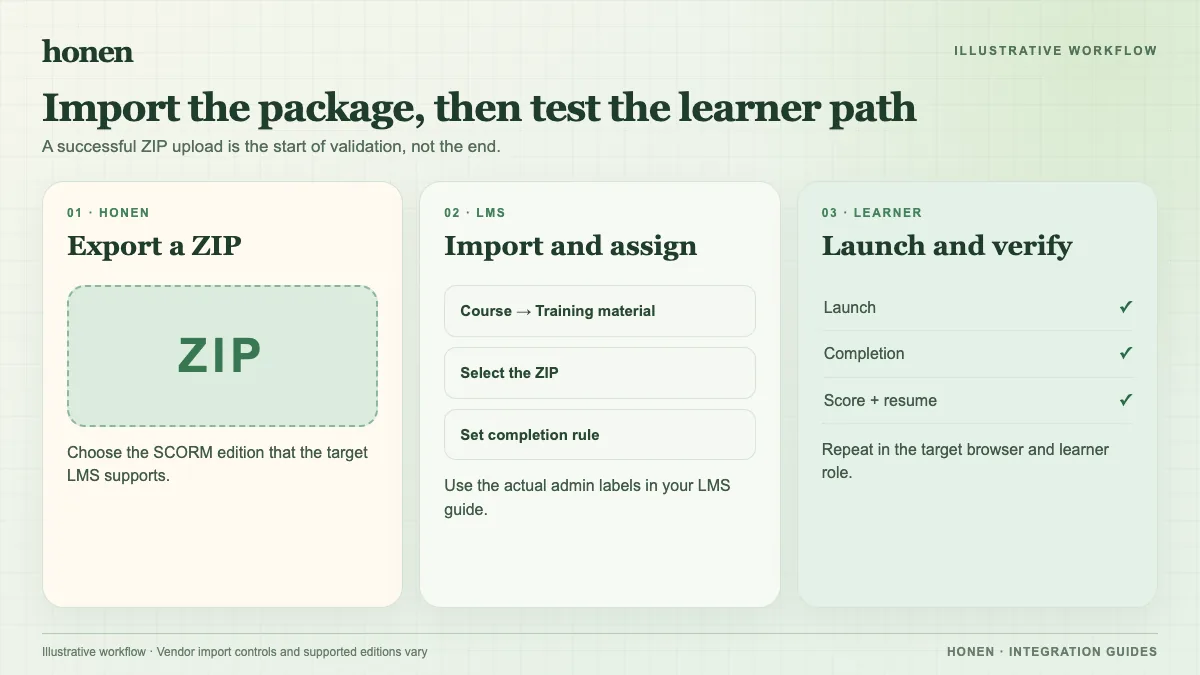
The MasterStudy SCORM guide places the add-on under MasterStudy → Addons. Enable it with the site's Pro access. Confirm which SCORM edition the installed version accepts; the public guide does not state one. Export a matching small Honen ZIP from an organization workspace with SCORM enabled.
Import a test course
- Open MasterStudy LMS → Courses → Add New Course.
- Add the course title, category, and identifying image.
- In Course Builder, select Import SCORM and upload the Honen ZIP. The vendor documents one package per SCORM course.
- Check the course's access and enrollment settings. Open the SCORM player as an enrolled learner.
- Test the Honen tutor, resume, completion, score, and any certificate rule before learner release.
Do not select an existing course that contains lessons. MasterStudy warns that the import deletes those curriculum lessons. A normal Course File is a download attachment, not a SCORM import.
Honen can help draft and review ASD-STE100-inspired controlled language. A qualified editor must check the approved dictionary, rules, and domain terms. The live package loads approved content edits at the next launch. Re-export for package setting changes. SCORM reports while the course is open.
Next step
Return to Honen with MasterStudy or read what a live SCORM package does.
Related guides
Build with Honen
Create a course from your source material. Review the content. Deliver it through your LMS.
Book a demo