Honen for LearnUpon: build once and deliver through your portals
Honen helps you draft, review, and update training that learners open in LearnUpon. Keep LearnUpon for enrollment, portals, and records. Add a Honen live SCORM ZIP as a course module. Check each portal's course and learner setup before rollout.
How Honen works with LearnUpon
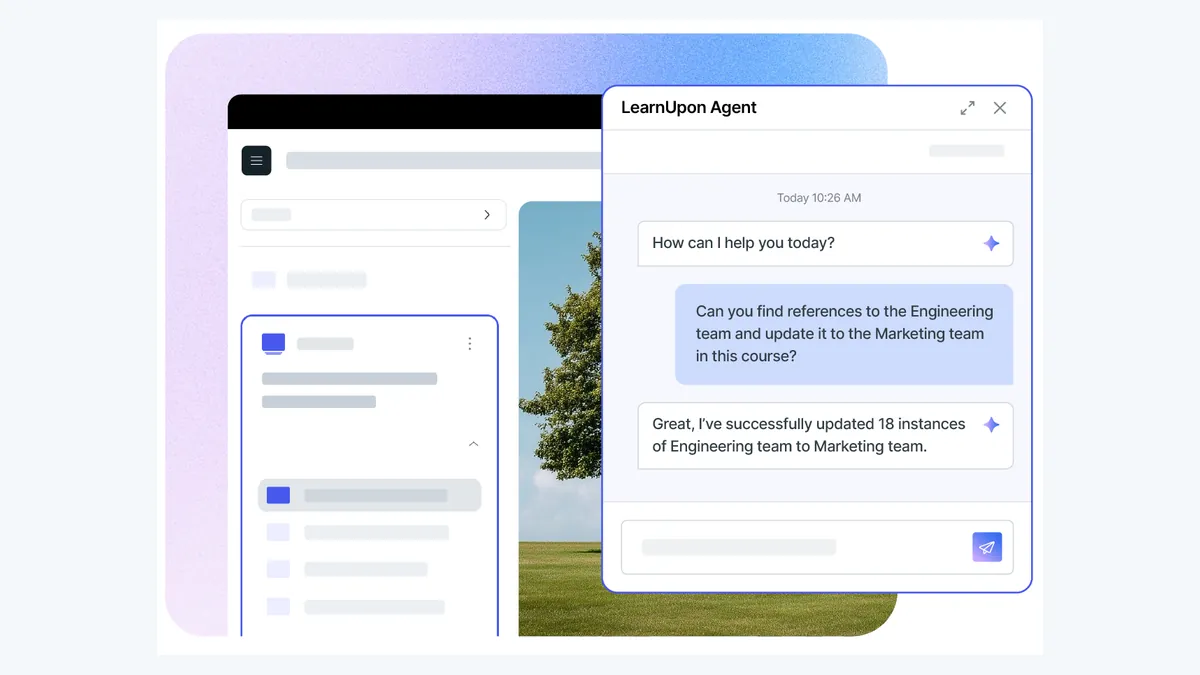
LearnUpon supports SCORM 1.2 and SCORM 2004, 3rd and 4th editions. Export the matching Honen ZIP. In LearnUpon, open the course Content page and select Add SCORM or Tin Can → Upload File. Choose the ZIP and save it. LearnUpon states a 2.5 GB compressed-file limit. Test the launch and result with a learner account.
For a multi-portal training program, plan which courses and modules each audience receives. LearnUpon stores reusable modules in its library. Keep an approved source and a clear owner for each customer or partner variant. A live Honen package can load current approved lesson content without another ZIP upload for each text change. Test structural and tracking changes before release.
Create and review the course

Give Honen an approved policy, guide, slide deck, or video. Name the learner's task. Review the outline, facts, questions, and tutor answers. Test an answer to a question the source does not cover.
Write short sentences. Use active verbs and one approved term for each concept. Put one action in each instruction. A qualified editor must check ASD-STE100 rules, the approved dictionary, and domain terms. Honen helps draft controlled language.
Tutor and reporting
The Honen tutor runs inside the Honen course launched from LearnUpon. Test the learner sign-in and tutor experience in each portal. The SCORM package sends completion, pass or fail, score, time, and resume data while the course is open. LearnUpon's default SCORM completion setting is LMSFinish is received. Check that the package sends the final status and the module shows the expected result.
Honen can show deeper learning activity to the course owner. Separate xAPI forwarding to your own LRS needs its own endpoint and test. Do not treat LearnUpon's SCORM report as proof that your external LRS received statements.
Questions teams ask
Does LearnUpon accept SCORM 2004?
Yes. LearnUpon documents support for the 3rd and 4th editions. Match the export to your course requirements.
What is the SCORM upload limit?
LearnUpon documents a 2.5 GB limit for a compressed file. A thin Honen ZIP is small, but test access to its external host.
Does a text edit require another upload?
A Honen-hosted content edit can appear through the existing live package. Re-test structural or tracking changes.
How do I keep customer training accurate?
Name a content owner, maintain approved source versions, and test each portal's learner path after a change.
Is the draft ASD-STE100 conformant?
Honen can help draft in a controlled style. A qualified editor must check all applicable rules and terms.
LearnUpon guides
- AI course creator for LearnUpon
- SCORM authoring for LearnUpon
- How to upload SCORM to LearnUpon
- Articulate and iSpring alternatives for LearnUpon
Read what a live SCORM package is before you plan a shared update process.
Related guides
Build with Honen
Create a course from your source material. Review the content. Deliver it through your LMS.
Book a demo