Intellum SCORM analytics for Honen courses
Use Intellum to confirm a customer's course outcome and Honen to see where the learner needed help. The data Intellum stores depends on the package and activity settings. Start with Honen for Intellum for the delivery context.
Turn on interaction detail when useful
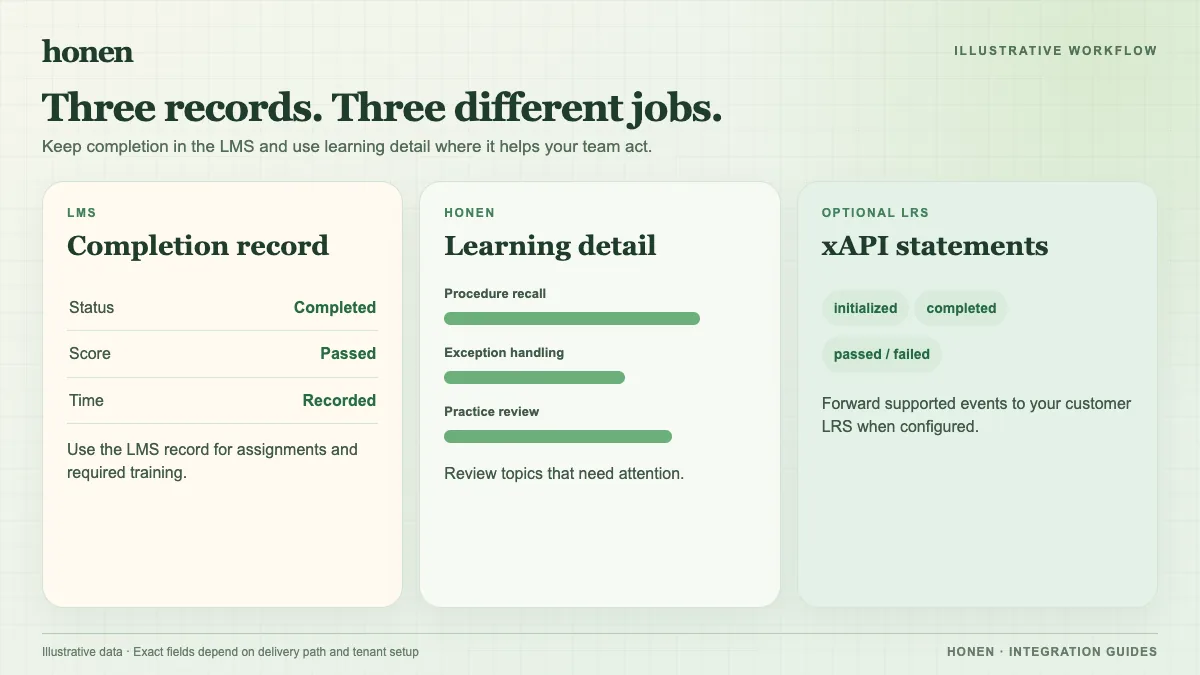
Intellum offers a Save Activity Interactions property for SCORM and AICC e-learning activities. When it is enabled, Intellum can log interactions that the package sends. An admin can create a SCORM/AICC Interactions report and filter by activity, user, or enrollment. Available fields include question ID, response, correct response, result, and time. Check a real Honen package before promising any specific field.
The vendor warns that closing the activity page can prevent progress or completion tracking. Keep the SCORM course open until its last write and then check the enrollment. For a failed SCORM 1.2 launch, Intellum's Debug Mode can show LMS communication. It does not repair a package or prove that every interaction reached the report.
Use each view for a decision
An Intellum completion result answers whether the customer finished the activity. Honen's activity view can reveal repeated errors in a setup step. Revise the source with a product owner, approve the new lesson, and test it again. Intellum notes that question-level detail typically does not transfer in an LMS migration, so preserve exports you need for historical analysis.
Write short active sentences and one term for each feature. A qualified editor must check ASD-STE100 rules, the approved dictionary, and domain terms. Neither analytics nor AI drafting proves controlled-language conformity. Separate xAPI forwarding to your own LRS requires its own setup and validation.
Return to Honen for Intellum or read SCORM, cmi5, xAPI, and LTI explained.
Related guides
Build with Honen
Create a course from your source material. Review the content. Deliver it through your LMS.
Book a demo