How Honen works with ILIAS
Keep ILIAS for enrollment, access, and learning progress. Build and review the course in Honen, then import its SCORM ZIP as an ILIAS SCORM learning module. Talk with Honen about an ILIAS pilot.
SCORM support alone does not verify Honen's hosted launcher in ILIAS. Test the exact ZIP, learner launch, and result in your site before rollout.
Use the ILIAS SCORM learning module
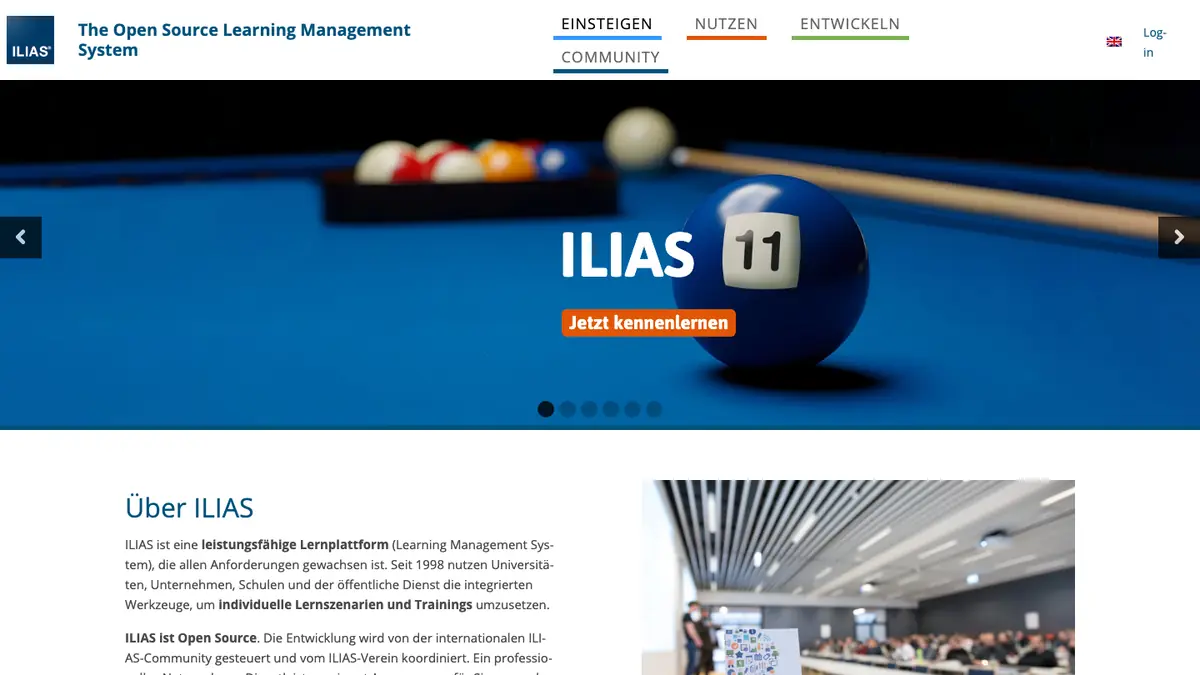
The ILIAS project documents native SCORM 1.2 and SCORM 2004 players. Export Honen as SCORM 1.2 for a first test. An ILIAS help guide from Hochschule Bielefeld shows the import steps.
Add a SCORM learning module. Select the package type. Import the ZIP and make the module available to learners. The exact create and import controls can vary by ILIAS release and site permissions.
ILIAS also supports LTI in some releases, but this page uses the documented SCORM route. Do not assume that ILIAS offers Honen's LTI services or a cmi5 import in your installation without a local test.
Build and approve the course

Give Honen approved documents, slides, and other source material. Draft lessons, practice, and checks. Compare each fact and answer with the source. Honen can help draft and review controlled-language content inspired by ASD-STE100. A qualified editor must check the approved dictionary, rules, and domain terms.
Keep the content current
Honen's ZIP is a thin launcher. Change the course content in Honen, and the ILIAS module loads the current lesson at the next launch. Re-export the ZIP if package settings change. SCORM sends completion, pass/fail, score, time, and resume data through the browser while the course is open. ILIAS has its own learning-progress settings; test the chosen status rule with a learner account.
The Honen tutor runs in the launched course. Check the learner view, browser behavior, and ILIAS tracking before release. Honen keeps a separate course progress view.
Questions teams ask
Which Honen export should I test first in ILIAS?
Use SCORM 1.2 for the first pilot. ILIAS documents SCORM 1.2 support. Test the selected package in your ILIAS release.
Where does the ZIP go?
Import it as a SCORM learning module in the intended course or repository area, then make the module available to learners.
Does a content edit need a new upload?
If your ILIAS player passes the hosted-package pilot, the existing Honen launcher loads current course content. Re-export for package setting changes.
Does a SCORM score complete the ILIAS course?
Do not assume it does. Check the module result, ILIAS learning-progress settings, and the course completion rule with a test learner.
Related ILIAS guides
Related guides
Build with Honen
Create a course from your source material. Review the content. Deliver it through your LMS.
Book a demo