How to upload a SCORM package to Chamilo 3
Import the ZIP in the course's Learning paths tool. Export the reviewed course from Honen with Chamilo first.
SCORM support alone does not verify Honen's hosted launcher in Chamilo. Test the exact ZIP, learner launch, and result in your site before rollout.
Prepare the correct ZIP
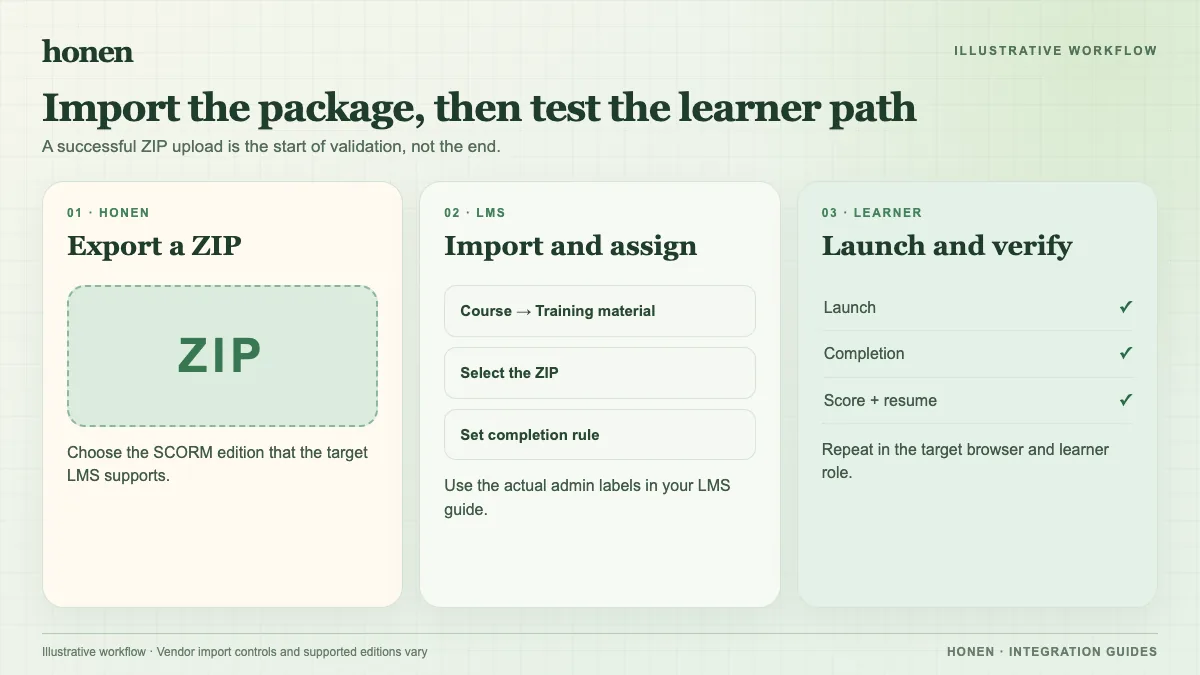
Choose Honen's SCORM 1.2 export. The Chamilo 3 guide documents SCORM 1.2 import. It says SCORM 2004 support is partial because sequencing and navigation rules are not applied. Keep the ZIP intact; do not unzip it before import.
Import it as a learning path
- Open the Chamilo course's Learning paths tool.
- Select the ⋮ more-actions control, then Import.
- Select Choose file and pick the Honen SCORM ZIP.
- Review Use default maximum score of 100. Leave it on unless your scoring design needs another value.
- Leave Content as Local for a normal import, then select Import.
- Check the new learning path's title and visibility.
These controls follow Chamilo's current teacher guide. Older Chamilo releases use different screens.
Check progress as a learner
Launch the path with a learner account. Use the tutor and complete a sample activity. Check completion, pass/fail, score, time, and resume state while the course stays open. SCORM reports through the browser. If order matters, use Chamilo's own prerequisites; its SCORM 2004 sequencing support is partial.
A Honen content edit appears through the existing live ZIP on the next launch. Re-export for package setting changes. A qualified editor must check the draft against the approved dictionary, ASD-STE100 rules, and domain terms.
Next step
Build a course with Honen for Chamilo, and read what a live SCORM package is.
Related guides
Build with Honen
Create a course from your source material. Review the content. Deliver it through your LMS.
Book a demo