How to upload a SCORM package to Schoology Learning
Upload the ZIP as a Schoology course package. Use Honen with Schoology to create the live course first, or follow the steps with another valid SCORM ZIP.
SCORM support alone does not verify Honen's hosted launcher in Schoology Learning. Test the exact ZIP, learner launch, and result in your site before rollout.
Prepare the file
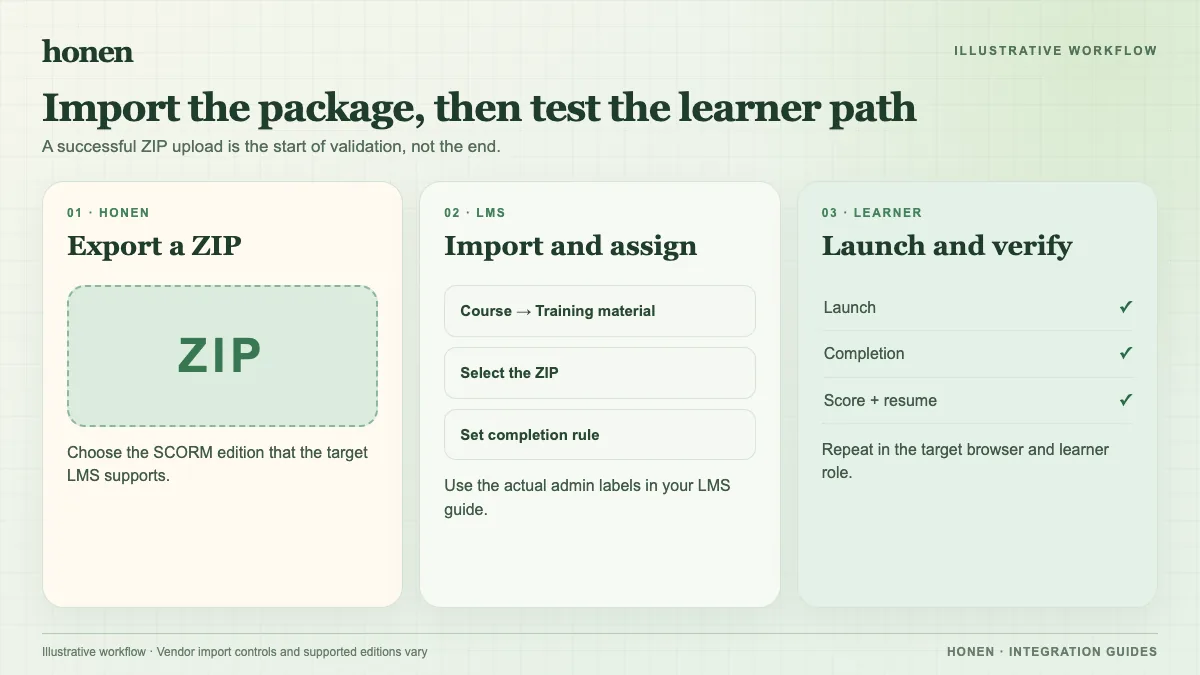
Export Honen as SCORM 1.2 or 2004 4th Edition. Schoology documents both versions. Keep the export as a ZIP. Schoology documents a 10 GB maximum, but smaller packages are easier to test and load.
Add it to a course
- Open the Schoology course.
- Select Add Materials, then Add Package.
- Select SCORM or Web Content, then choose the SCORM option.
- Attach the ZIP and select Next.
- Open the package's gear menu to set Edit launch properties if you need navigation, a progress bar, or the Finish button.
- If you need a gradebook column, open Edit package properties and choose Enable SCORM grading for one package column. Use Enable SCO grading only when the package structure calls for separate SCO columns.
These labels follow PowerSchool's current Schoology guide. District settings can change what an instructor sees.
Run one learner test
Open the package as a learner. Complete the sample activity, use the tutor, and return to Schoology. Check completion, pass/fail, score, time, resume state, and the gradebook column you selected. SCORM reports through the browser while the course is open.
Honen loads new content from the existing live launcher after a course edit. Re-export if package settings change. A qualified editor must check the draft against the approved dictionary, ASD-STE100 rules, and domain terms before delivery.
Next step
Create the course with Honen for Schoology, and read how live SCORM works.
Related guides
Build with Honen
Create a course from your source material. Review the content. Deliver it through your LMS.
Book a demo