Honen for Litmos: keep training current across your audiences
Honen helps you draft, review, and update courses that learners launch in Litmos. Use Litmos to assign and record sales or partner training. Use Honen for an approved lesson and tutor delivered through a live SCORM package.
How Honen works with Litmos
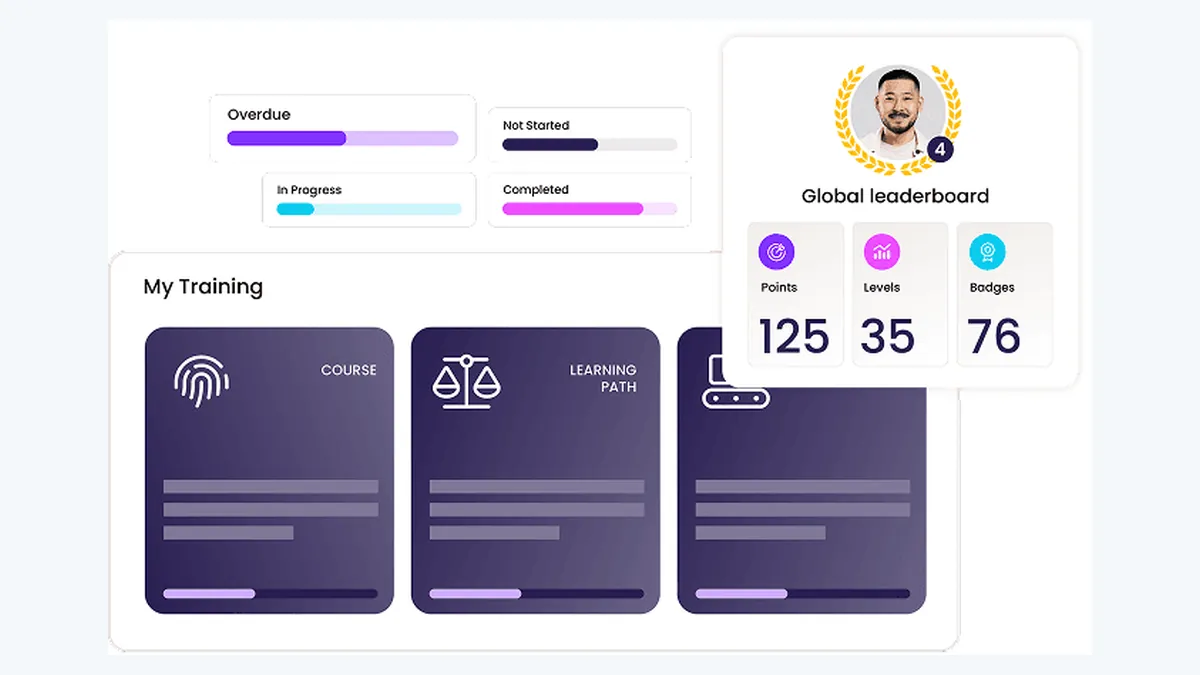
Litmos says it supports SCORM 1.2 and SCORM 2004 imports. Export the Honen version that matches your Litmos course setup. Add the ZIP through your Litmos tenant's content workflow. Public Litmos pages confirm import support but do not give a current step-by-step admin path or a package-size limit. Have your administrator confirm both before rollout.
Litmos offers its own AI content authoring. Honen offers another authoring route when you want a Honen-hosted course with its tutor. A thin package loads current approved lesson content when a learner opens it. A text correction in Honen can appear without another ZIP upload. Test any change to package structure, navigation, or tracking. The live course needs network access to Honen's host.
Build a sales or partner course

Start with a current product guide, partner procedure, slide deck, or demonstration video. State what the learner must do. Ask Honen to draft a short lesson, scenario, and practice question. Have the product owner check every claim, feature name, qualification rule, and answer. Test the tutor on an out-of-scope request.
Write short sentences and active instructions. Use one approved term for each concept. Put one action in each step. A qualified editor must check ASD-STE100 rules, the approved dictionary, and domain terms. Honen helps draft controlled language.
Check reporting in Litmos
The Honen tutor runs in the launched course. For SCORM, completion, pass or fail, score, time, and resume data return while the course is open. Test a learner attempt and confirm which fields Litmos records in your tenant. Litmos describes completion and engagement reporting for imported content. Separate xAPI forwarding from Honen to your own LRS needs its own setup and test.
Questions teams ask
Does Litmos support SCORM 2004?
Yes. Litmos states support for SCORM 1.2 and SCORM 2004. Test the edition and package in your tenant.
Does Litmos already include AI authoring?
Yes. Compare its native course workflow with Honen's hosted course and tutor before you choose.
Do text edits need another ZIP?
Approved Honen-hosted content can load through an existing live package. Re-test structural and tracking changes.
Can partners take the course in Litmos?
Litmos markets partner and channel training. Confirm your audience, enrollment, and access setup in your tenant.
Is the content ASD-STE100 conformant?
Honen helps draft in a controlled style. A qualified editor must check all applicable rules and terms.
Litmos guides
- AI course creator for Litmos
- SCORM authoring for Litmos
- Articulate and iSpring alternatives for Litmos
Read what a live SCORM package is to plan course updates.
Related guides
Build with Honen
Create a course from your source material. Review the content. Deliver it through your LMS.
Book a demo