How to upload a Honen SCORM ZIP for LifterLMS with GrassBlade
Use GrassBlade's WordPress uploader and LifterLMS connector to test a Honen package in a lesson. LifterLMS does not supply the SCORM upload path described here. Read Honen with LifterLMS before you set completion rules.
SCORM support alone does not verify Honen's hosted launcher in LifterLMS with GrassBlade. Test the exact ZIP, learner launch, and result in your site before rollout.
Prepare the third-party route
Install LifterLMS, GrassBlade xAPI Companion, and Experience API for LifterLMS. GrassBlade's getting-started guide also lists GrassBlade Cloud LRS for its full setup. Configure and test the LRS if you need module tracking or automatic LifterLMS completion.
Upload and place a pilot ZIP
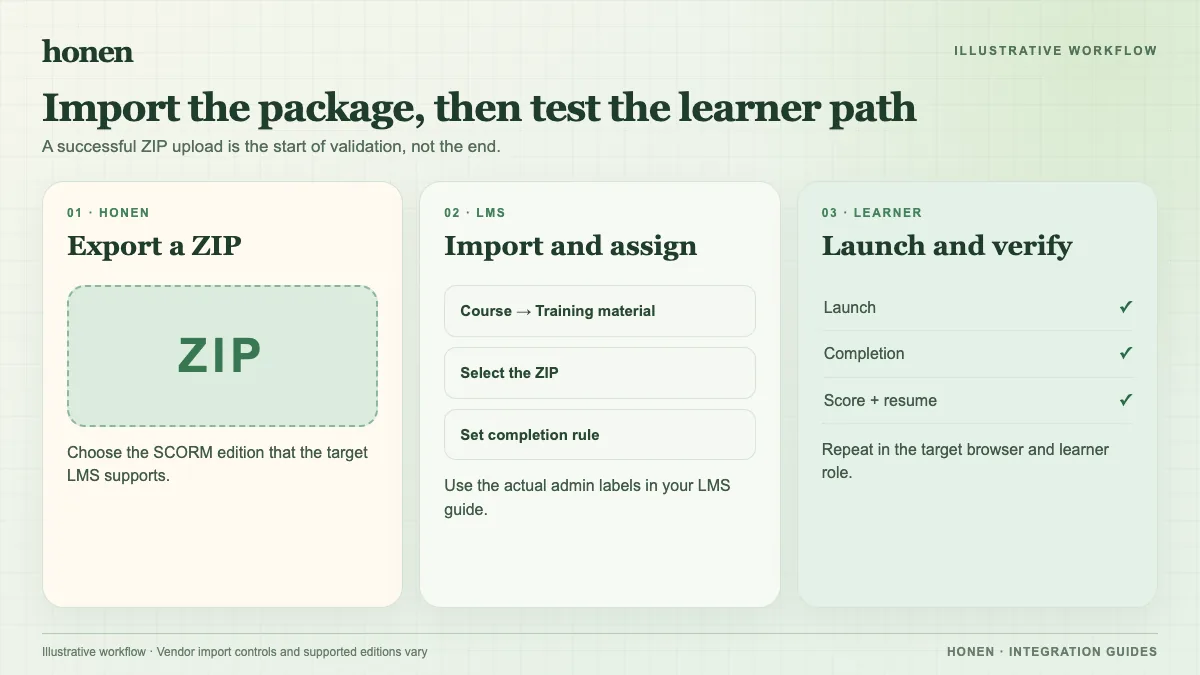
- Export a small Honen course as SCORM 1.2 from an organization workspace with SCORM enabled.
- In WordPress, go to xAPI Content → Add New. Choose the Honen ZIP in xAPI Content Details, then publish the item. GrassBlade documents this direct upload.
- Open a LifterLMS lesson. Add the xAPI Content block and select the uploaded item, as the GrassBlade lesson guide describes.
- Open the lesson as an enrolled learner. Check launch, Honen tutor, resume, score, and completion. Compare the GrassBlade and LifterLMS records.
GrassBlade's add-on, LRS, and completion trigger control whether module completion changes the LifterLMS lesson state. A successful upload alone does not prove that workflow. Keep the lesson in pilot until the package and chosen completion rule pass a real learner test.
Honen can help draft and review ASD-STE100-inspired controlled language. A qualified editor must check the approved dictionary, rules, and domain terms. Honen's live package loads content edits at the next launch. Re-export when package settings change. Browser-based SCORM reports while the course is open.
Next step
Return to Honen with LifterLMS or read what a live SCORM package does.
Related guides
Build with Honen
Create a course from your source material. Review the content. Deliver it through your LMS.
Book a demo