How to upload a Honen SCORM ZIP to LearnDash with Tin Canny
Install a third-party SCORM add-on before you try to use a Honen ZIP in LearnDash. The steps below use Tin Canny. Review Honen with LearnDash before you select this route.
SCORM support alone does not verify Honen's hosted launcher in LearnDash with Tin Canny. Test the exact ZIP, learner launch, and result in your site before rollout.
Install and check Tin Canny
LearnDash lists Tin Canny as a third-party SCORM route. Follow the Tin Canny getting-started guide to install the plugin, enter its license, and run its Site Check. Confirm the endpoint and server checks before an upload.
Upload one test module
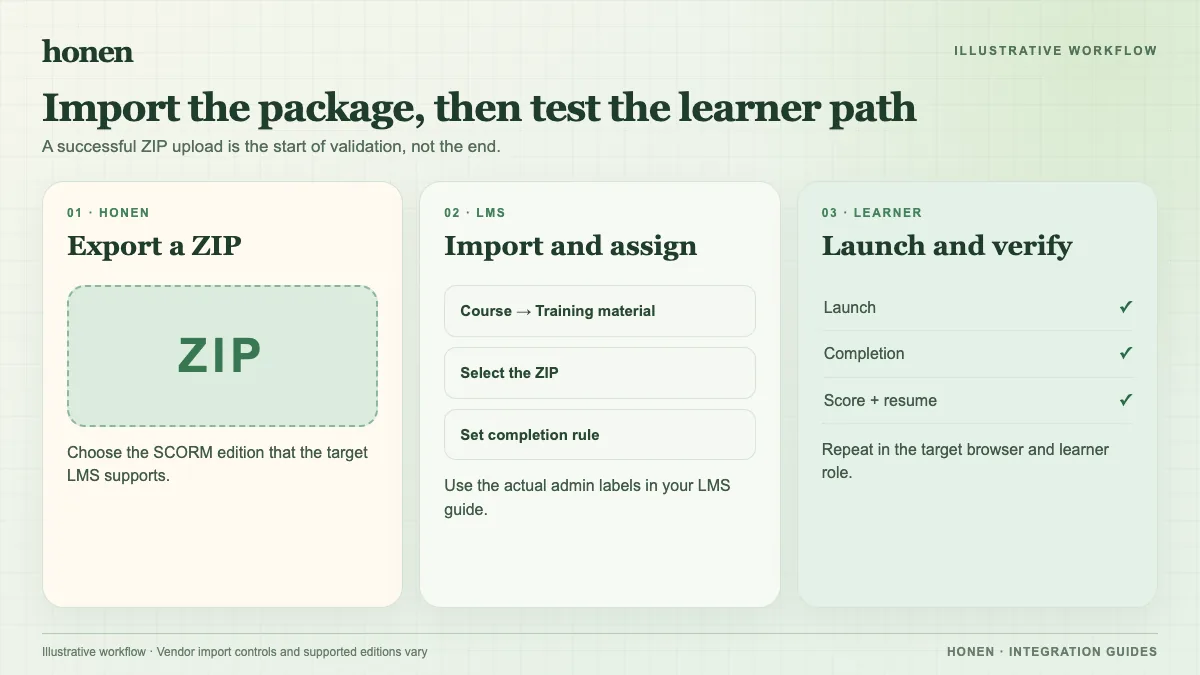
- Export a small Honen course as SCORM 1.2. Use an organization workspace with SCORM export enabled.
- Edit the target LearnDash lesson or topic. Add the Tin Canny Content block in the block editor.
- Choose Upload and select the Honen ZIP. Insert the registered module, then save the lesson or topic. The Tin Canny uploader instructions document this sequence.
- Open the unit as an enrolled learner. Test launch, the Honen tutor, completion, score, and resume.
- Check the Tin Canny report and LearnDash lesson status. Set completion gating only after the pilot records the intended event.
Tin Canny does not guarantee every authoring tool. If its uploader rejects the ZIP or tracking fails, keep the unit unpublished and ask the add-on vendor to review the exact package and version. A generic WordPress media upload is not a SCORM import.
Honen can help draft and review ASD-STE100-inspired controlled language. A qualified editor must check the approved dictionary, rules, and domain terms. Honen's live package updates lesson content at the next launch, but package setting changes need a new export. SCORM sends data while the course is open.
Next step
Return to Honen with LearnDash or read what a live SCORM package does.
Related guides
Build with Honen
Create a course from your source material. Review the content. Deliver it through your LMS.
Book a demo